How to Download your Playback Report?
Step 1 Go to Report module Scroll down and select Playback Report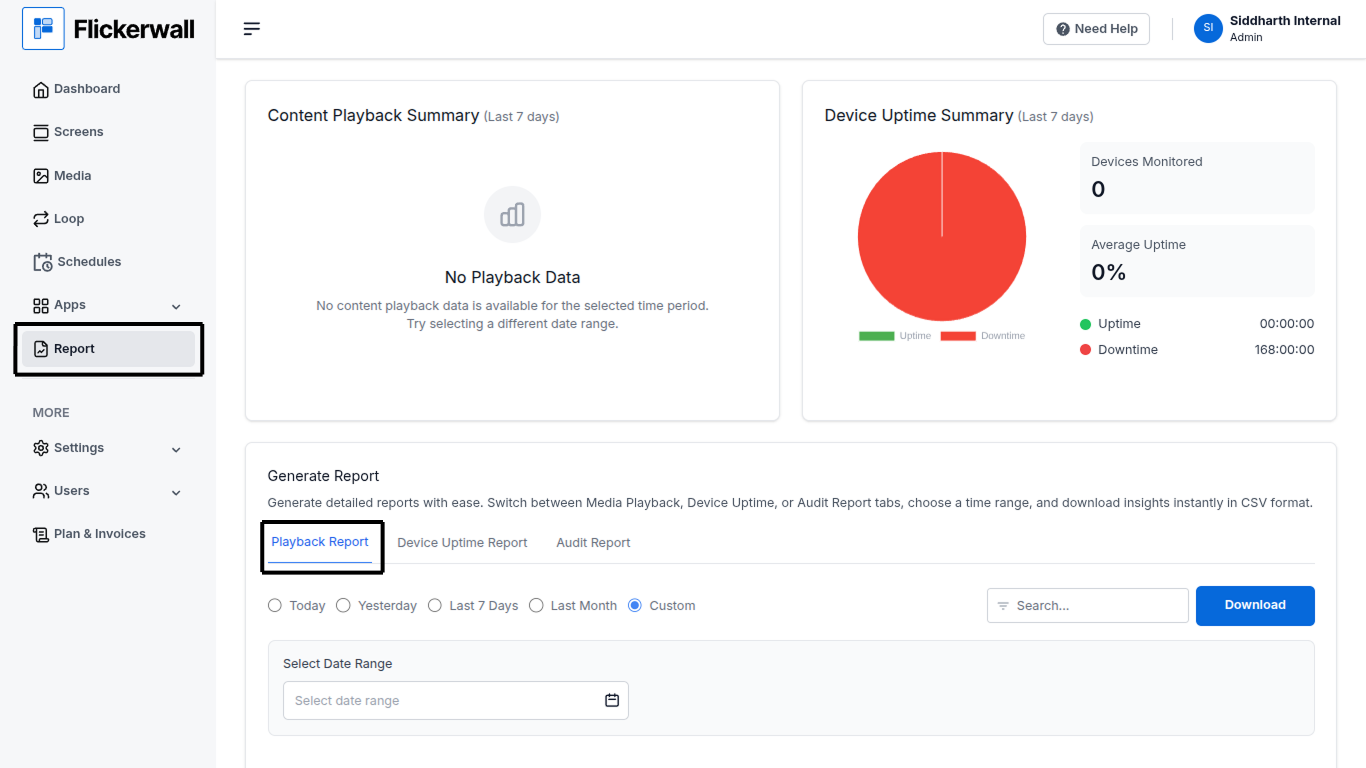
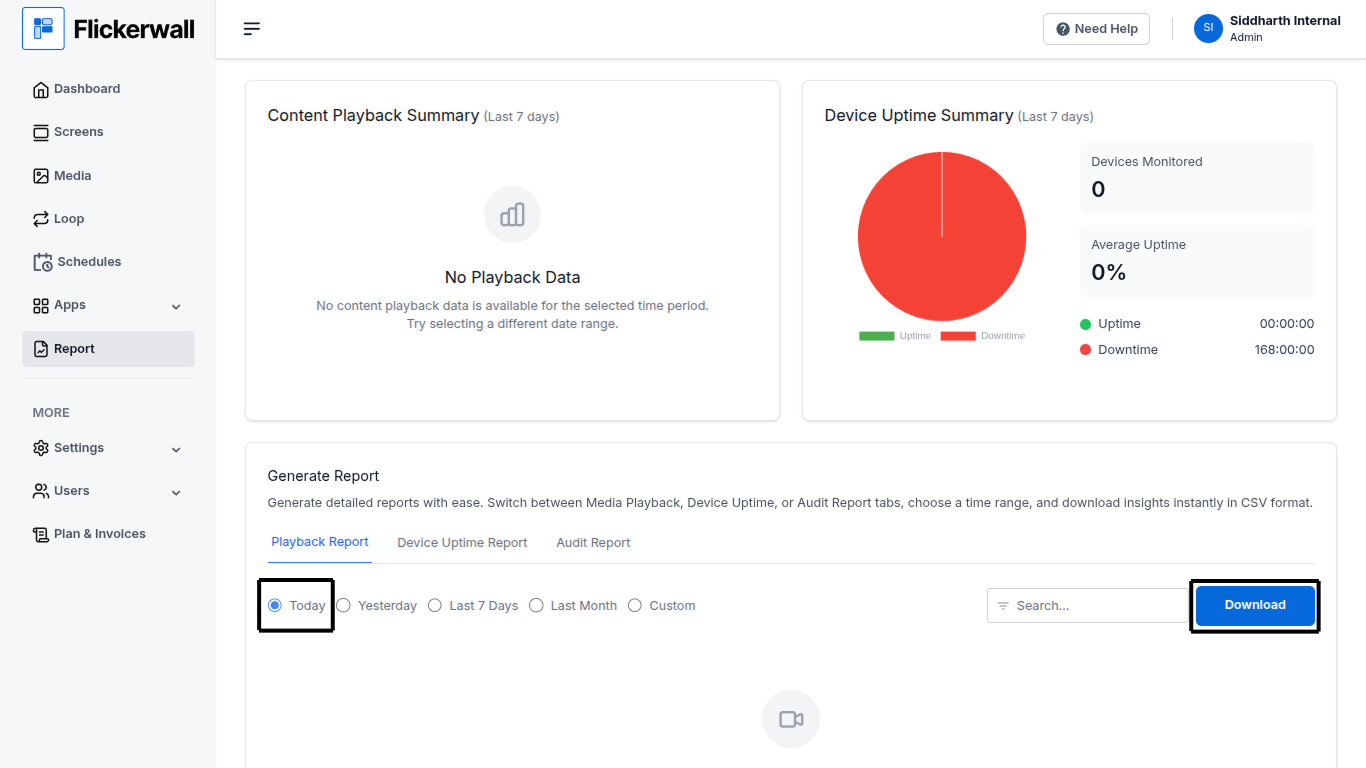
How to Download the Playback Report with Custom/Specific Dates?
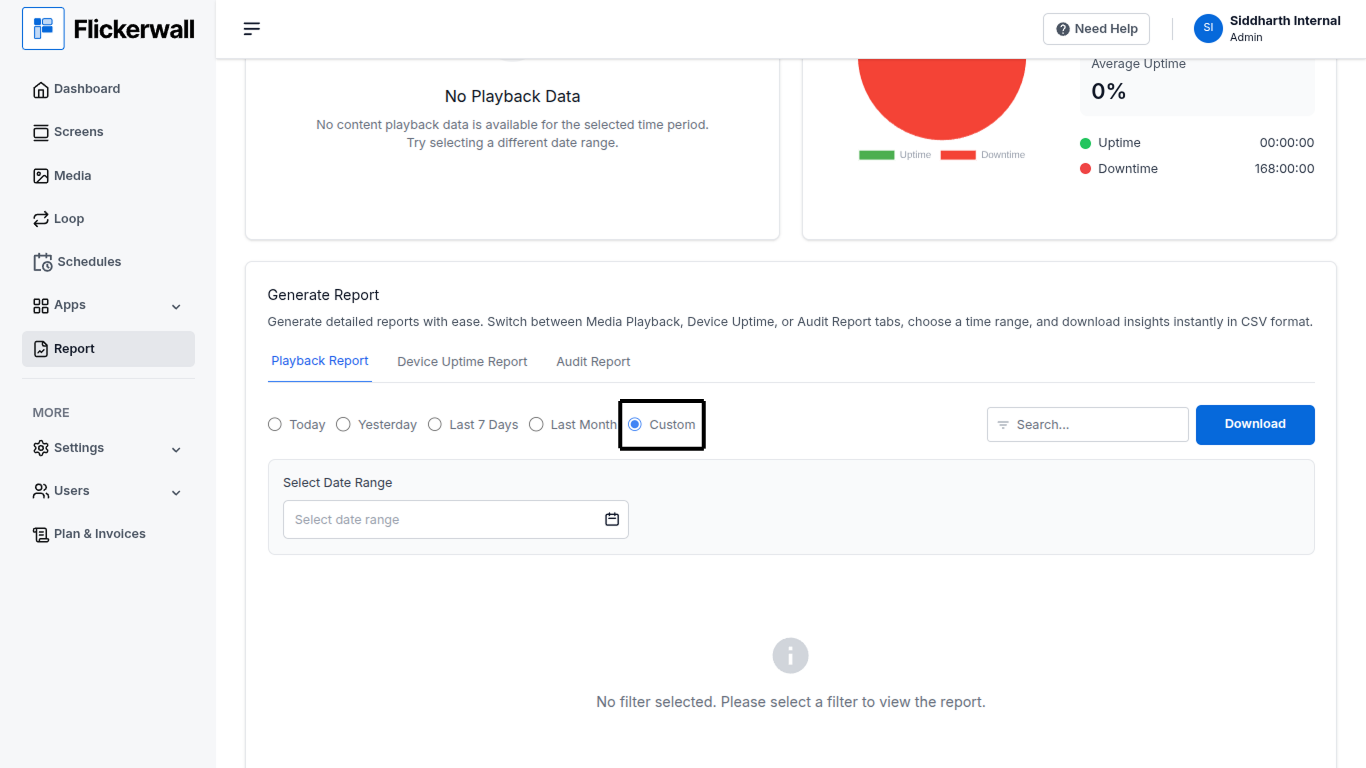
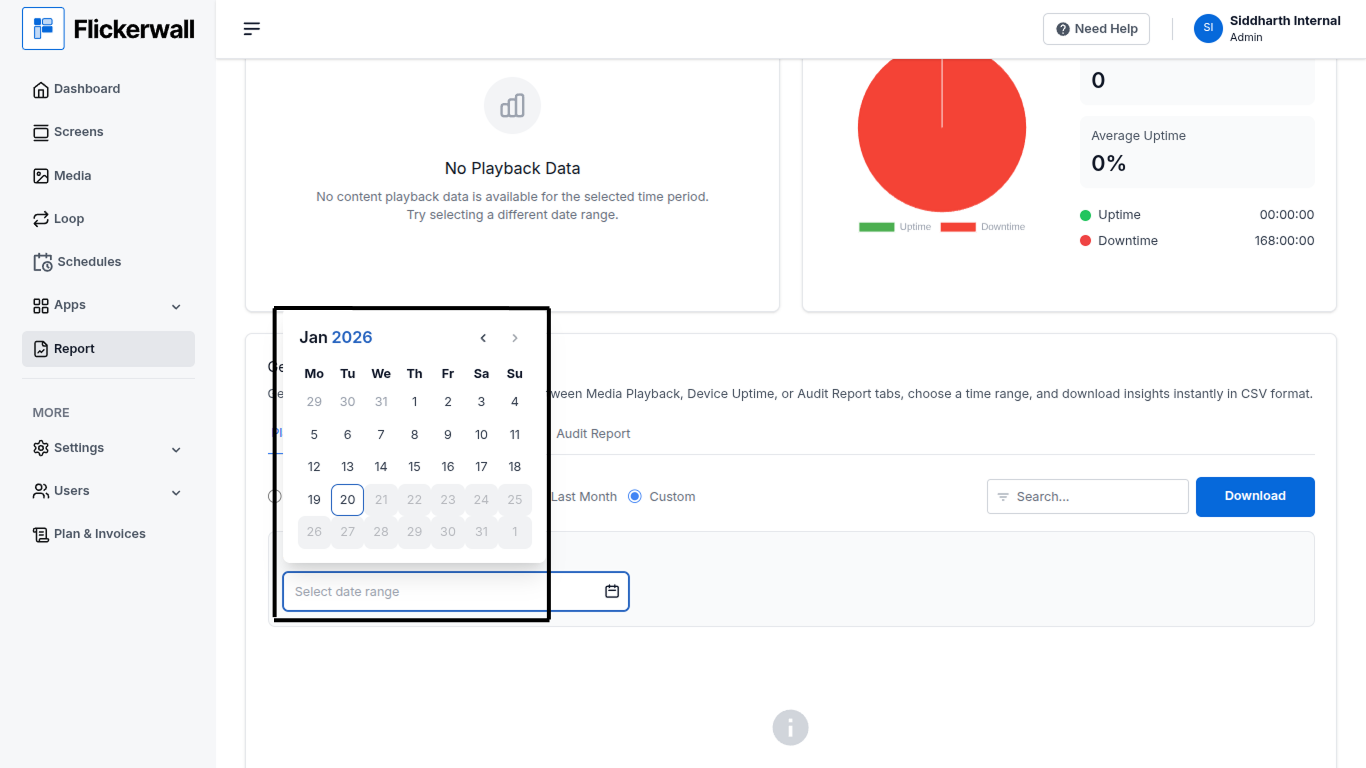
Step 1 Select Custom to enter specific Dates and download the data of the selected dates (Note : Skip this step if you don’t want data with Custom, Specific dates)