Go to https://app.flickerwall.com/sign-up and click on register
-1.png?fit=max&auto=format&n=QyHLB_DuGuIs1P_v&q=85&s=9507adeb1d0d59e2da43d82dca11a57a)
-
Step 2
Enter the required details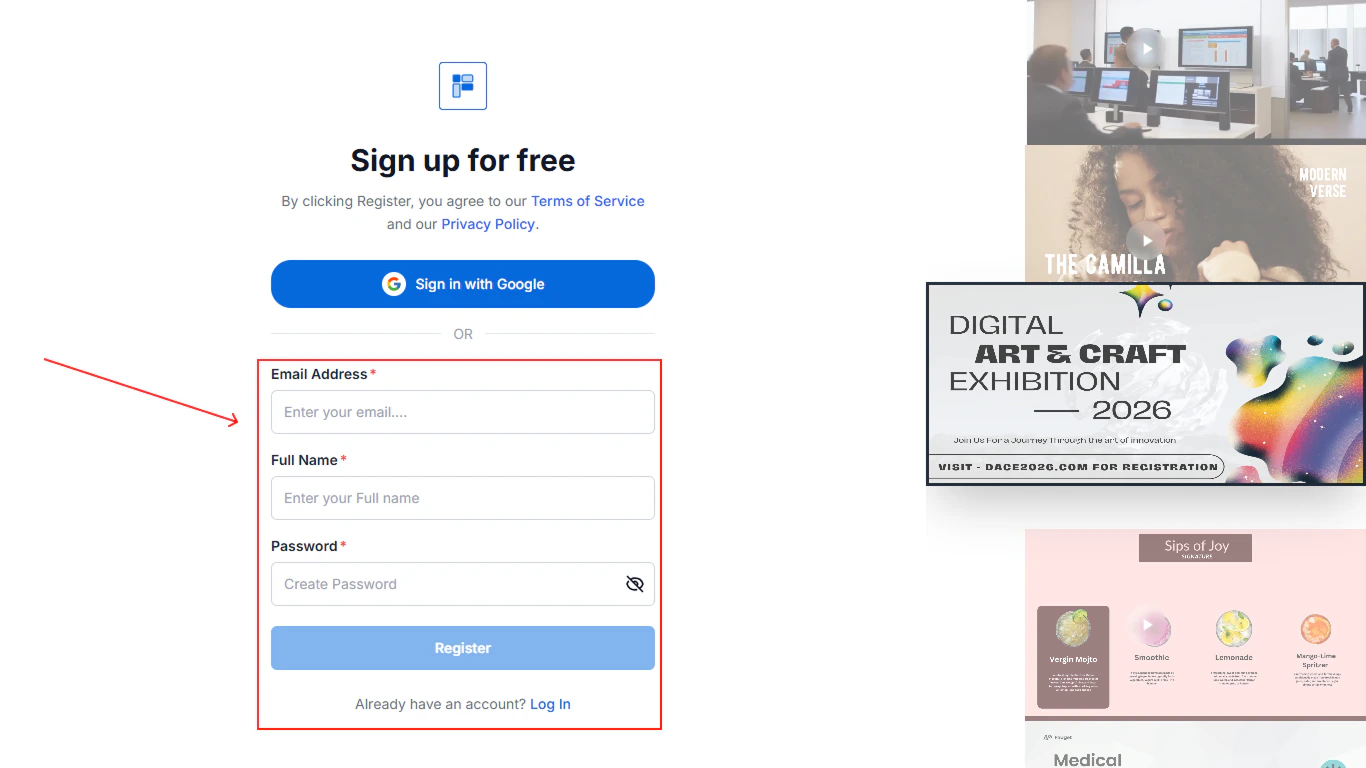
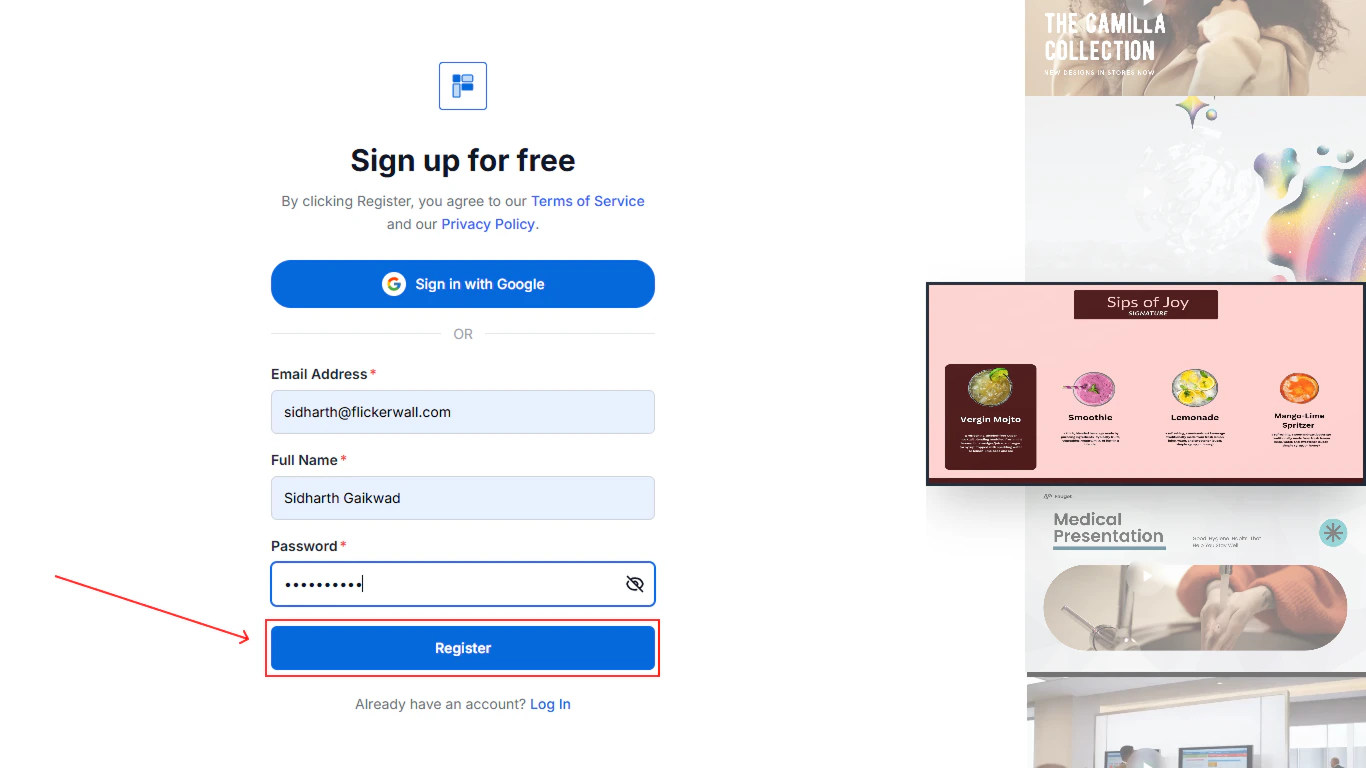
Click on Register
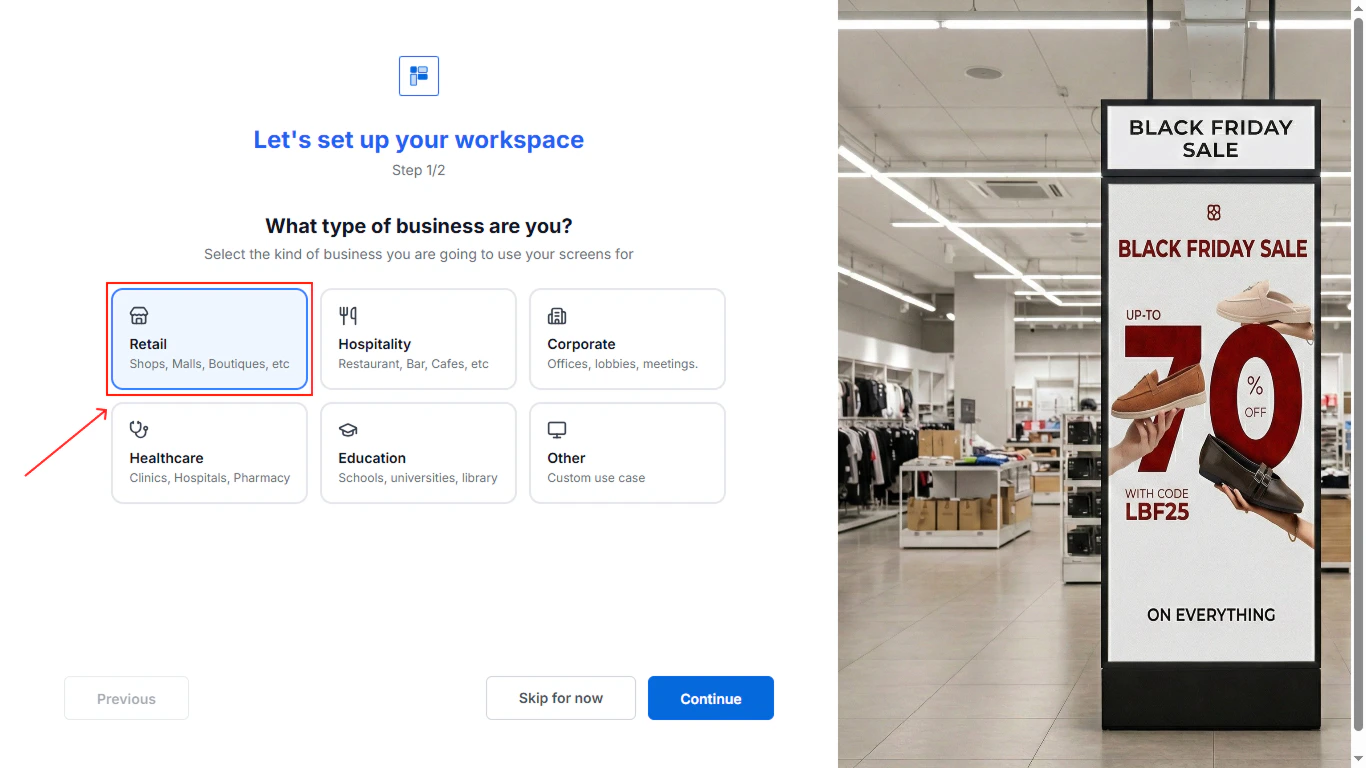
Select your industry for us to suggest better canvas and more personalized options for you
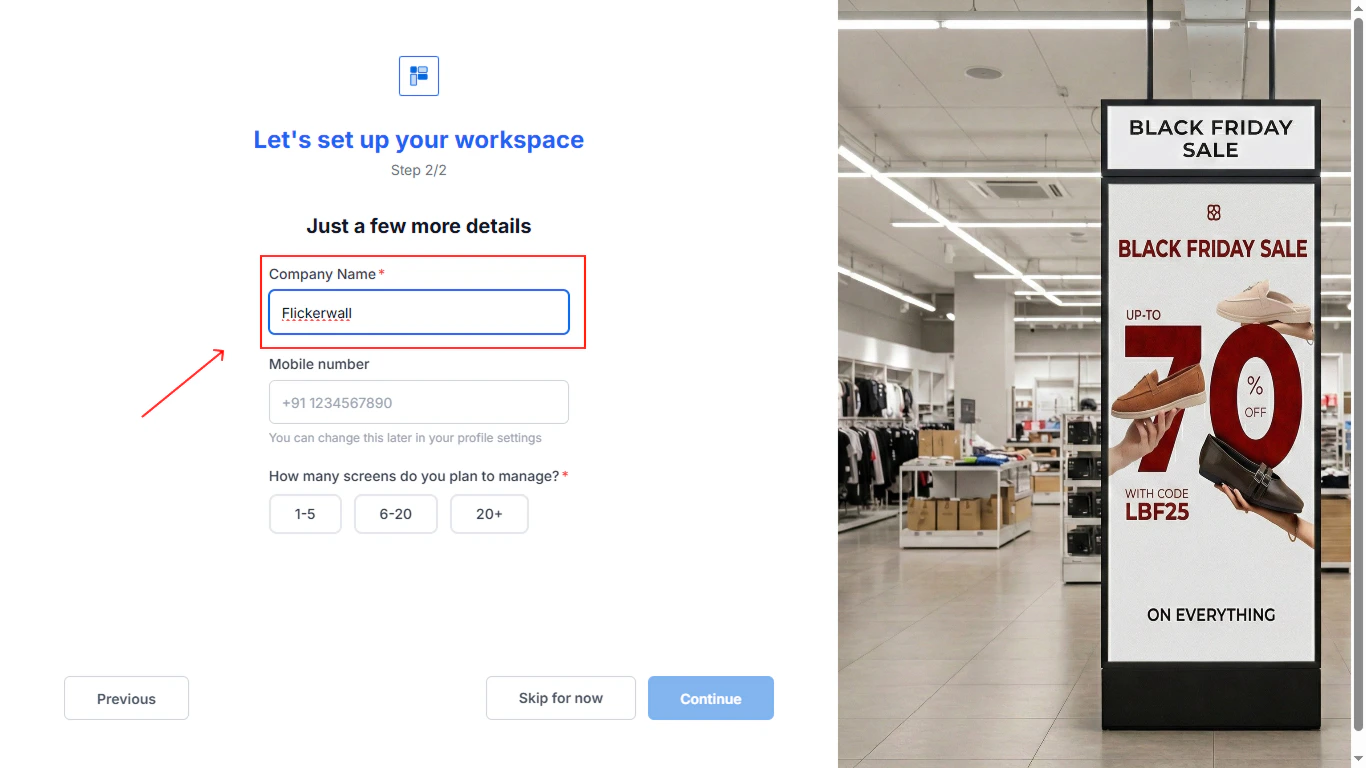
Fill in all the company details
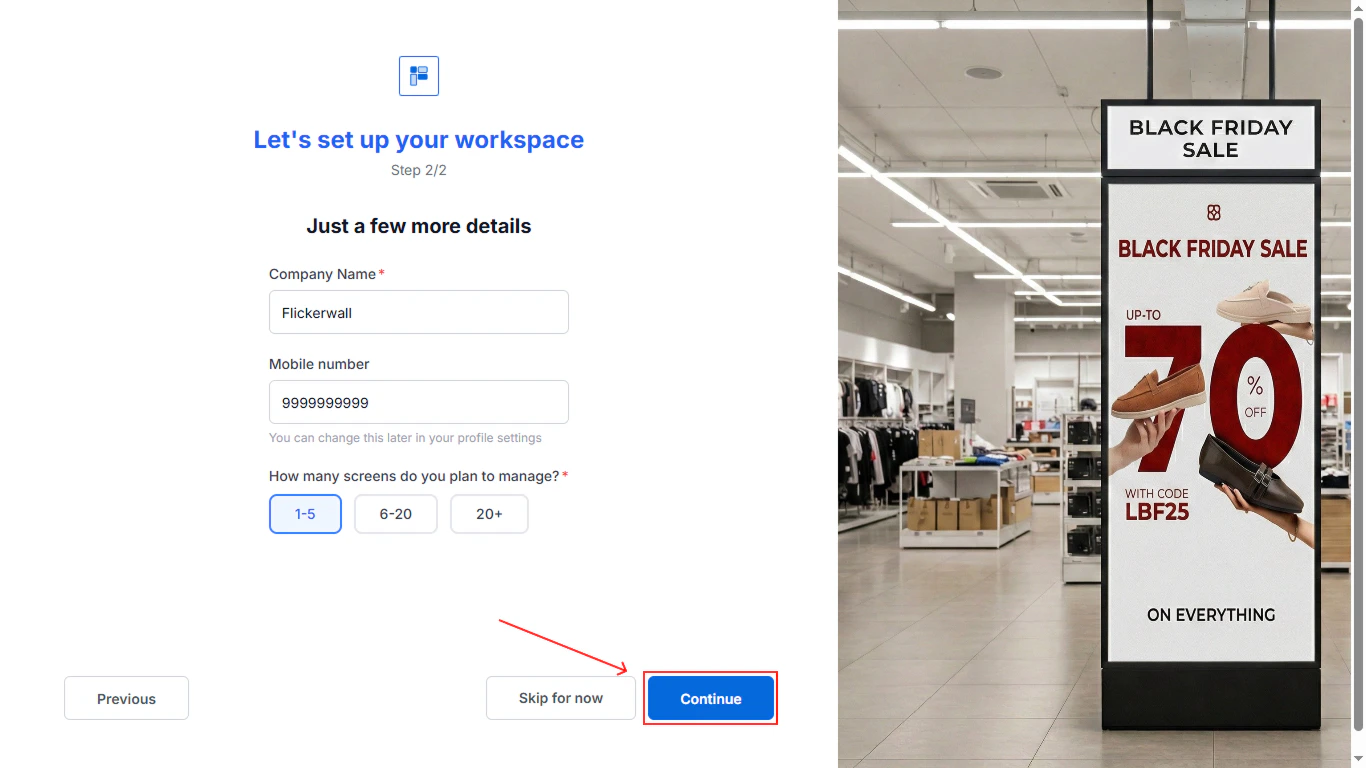
Click on Continue for the next step
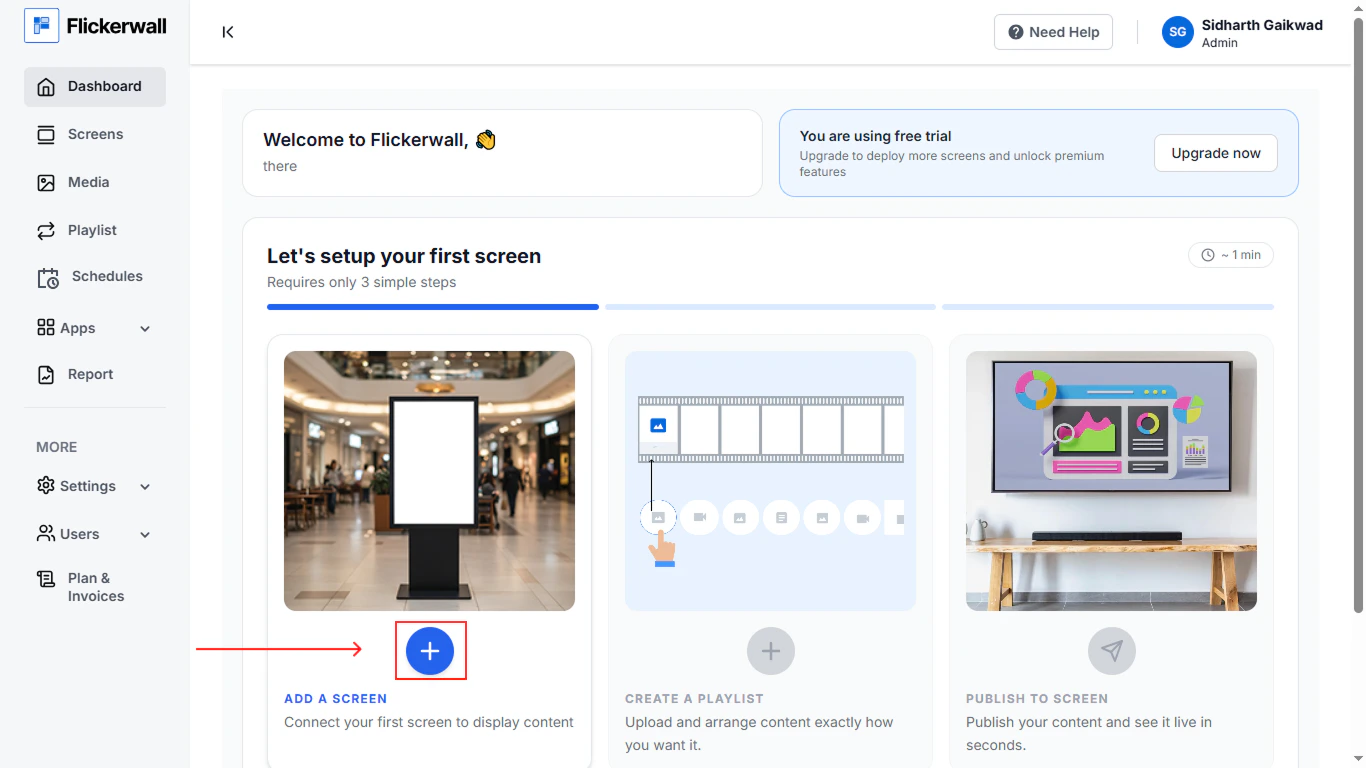
Complete the on-boarding
Click on the plus icon to add screen
Add your screen name and Registration Code
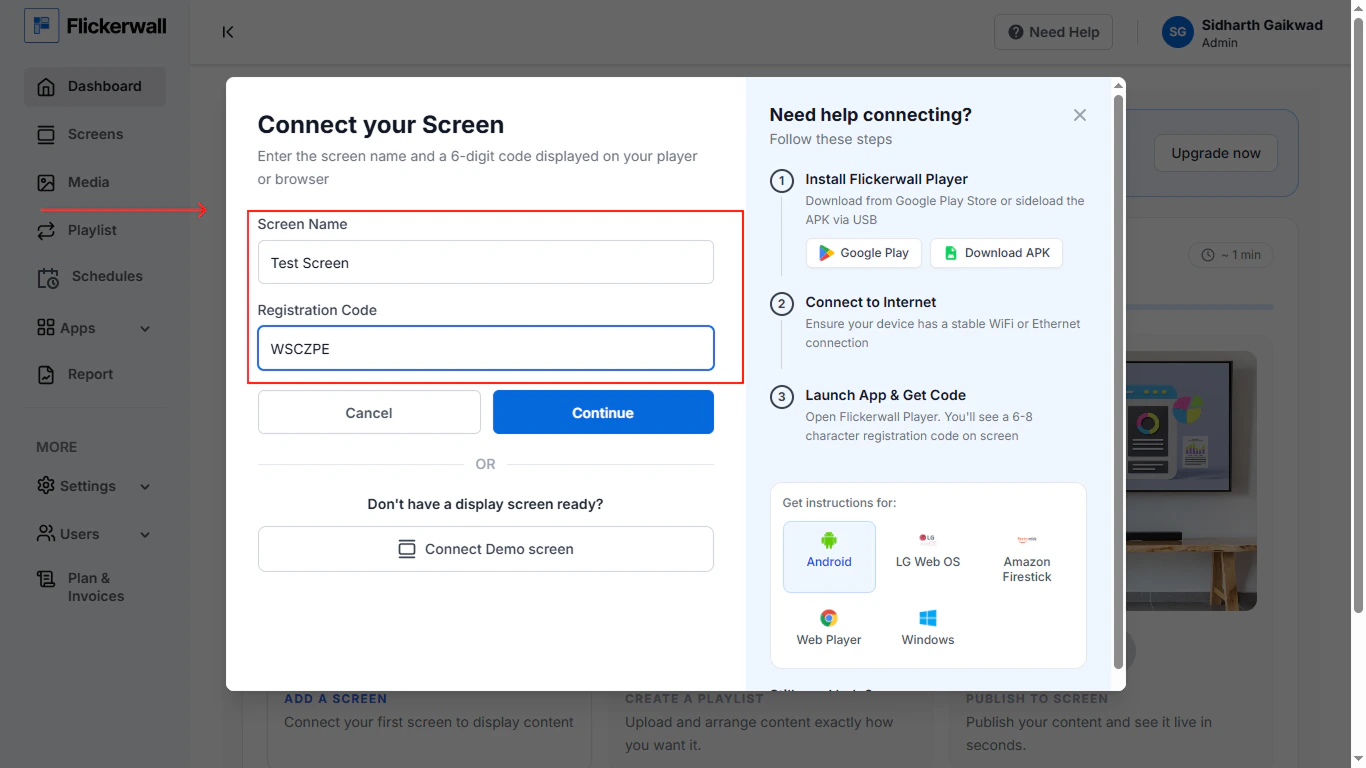
Click Continue for next step
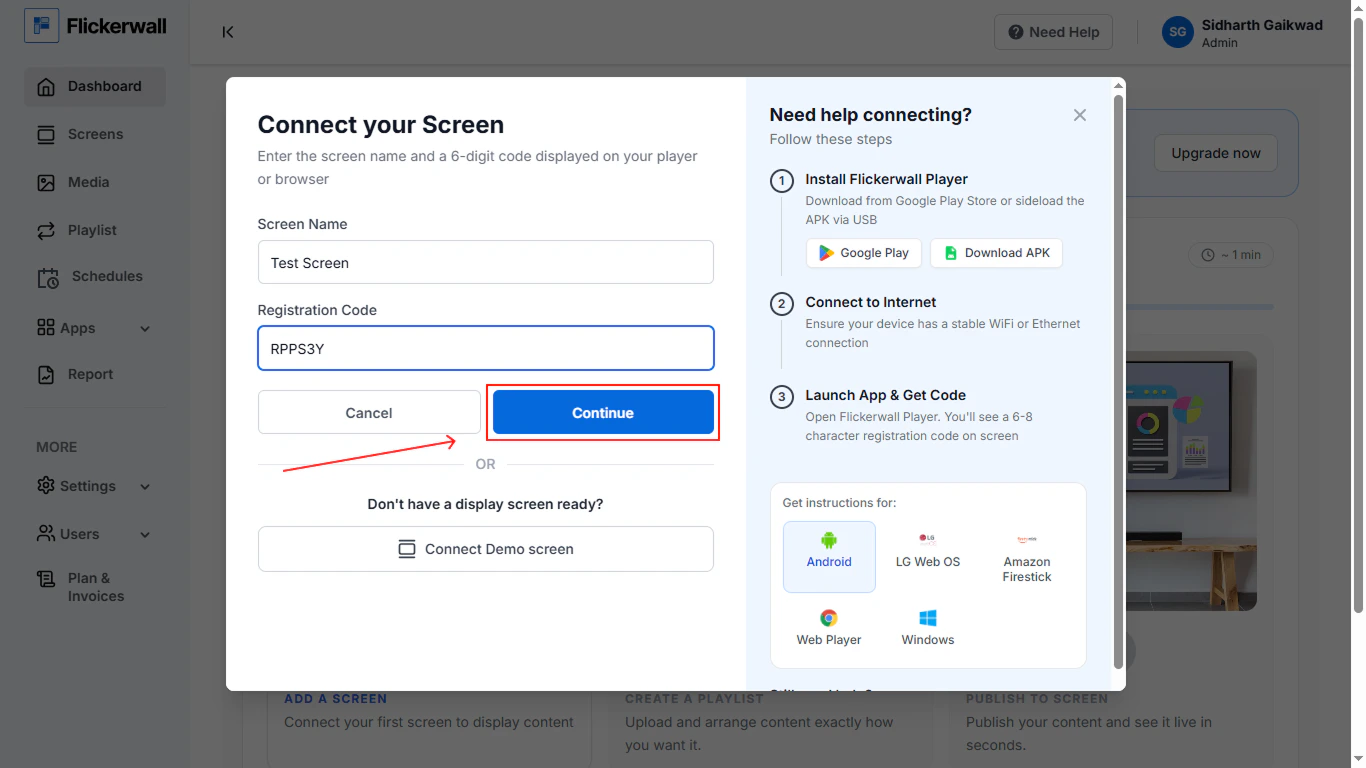
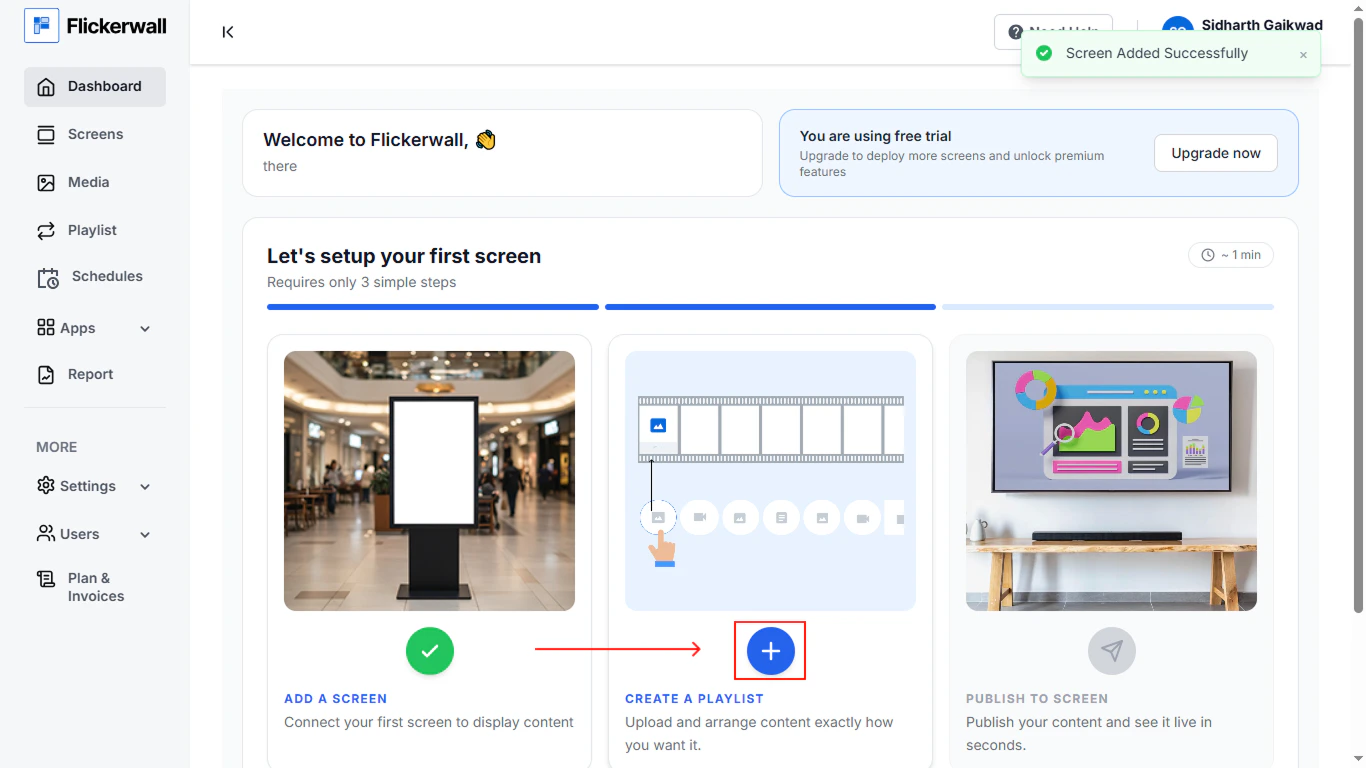
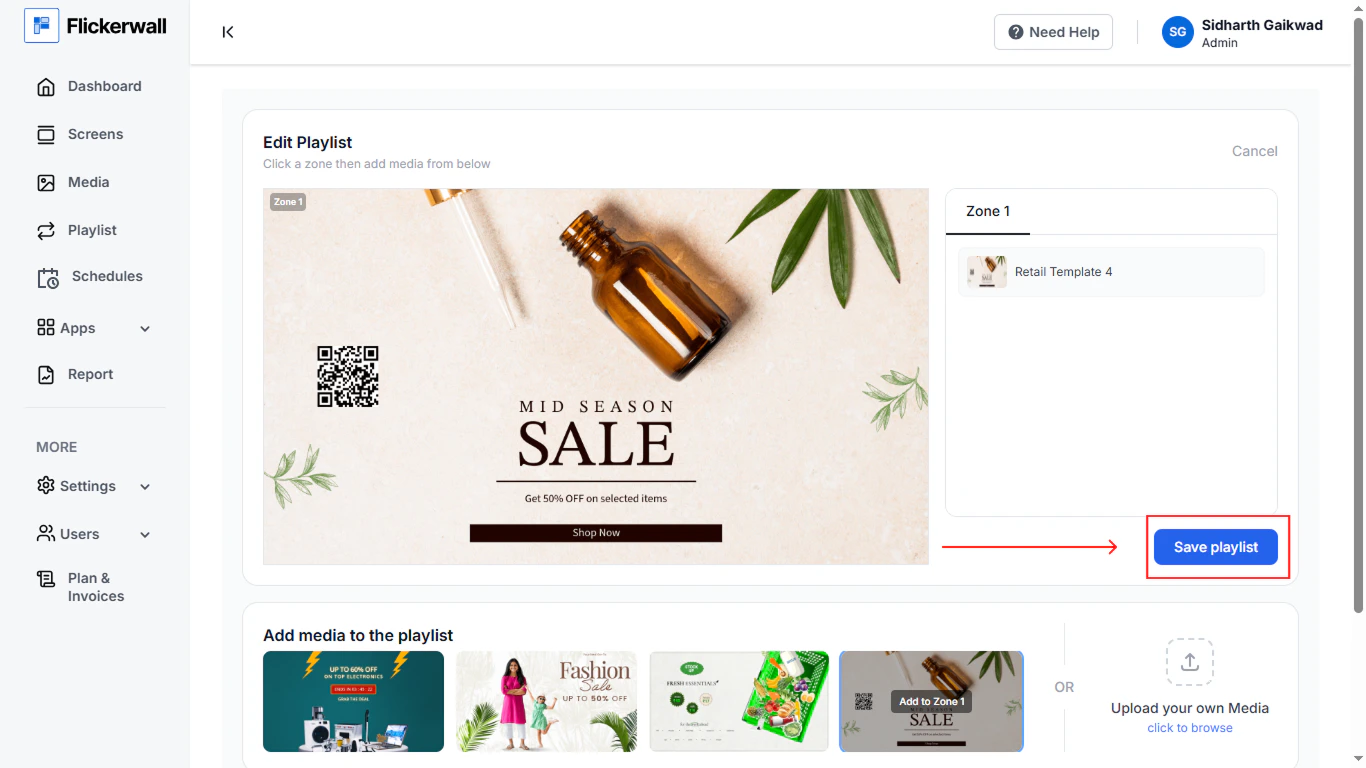
Create a Playlist to continue
add media or select a template thast already provided for you industry
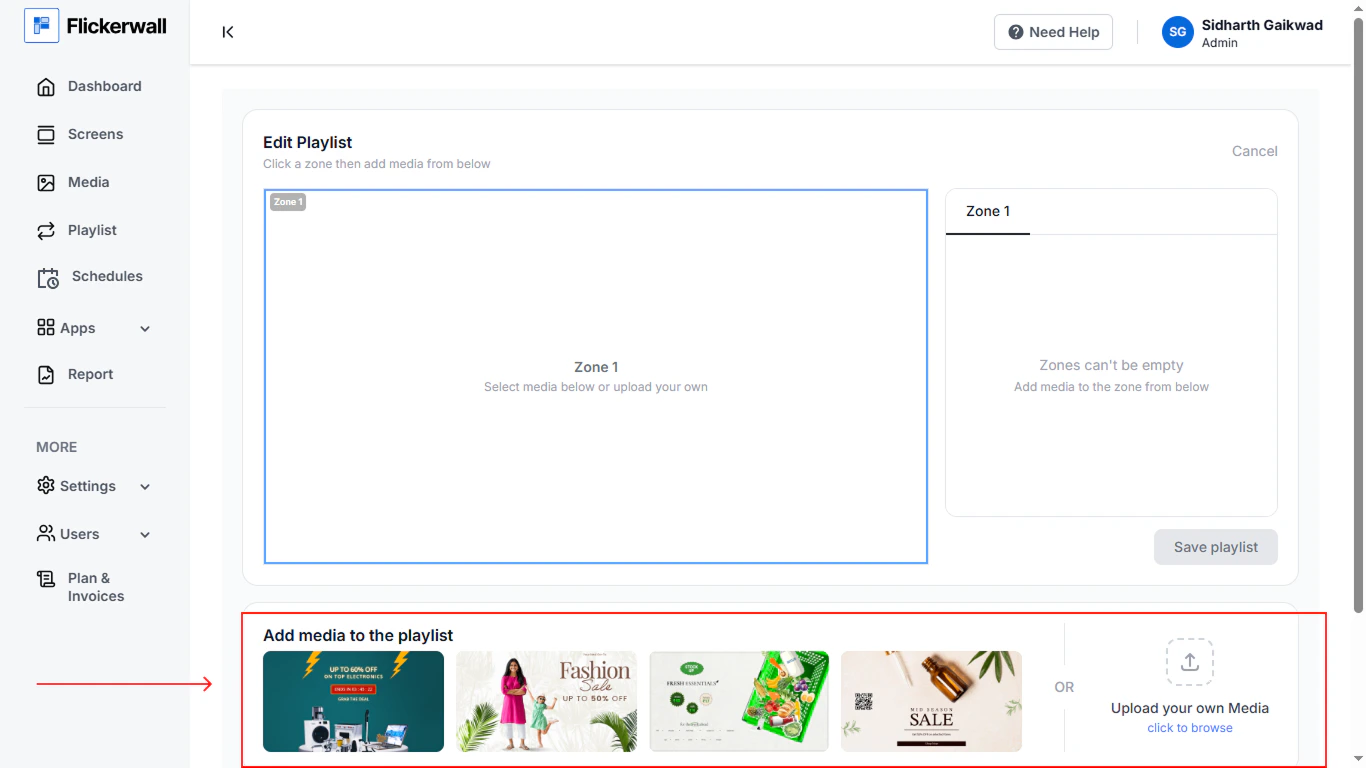
Step 11
Click on Save Playlist \
Step 12
Complete the last step
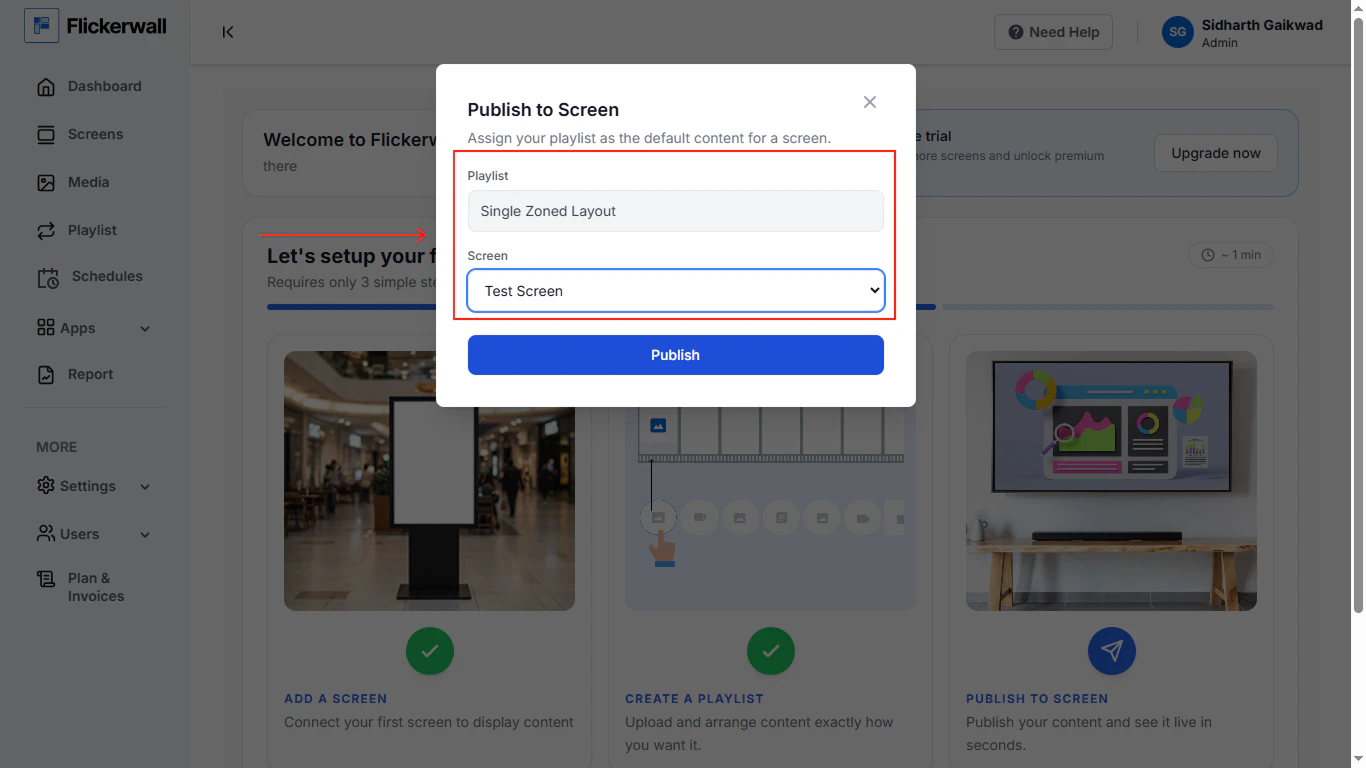
Publish the content to screen
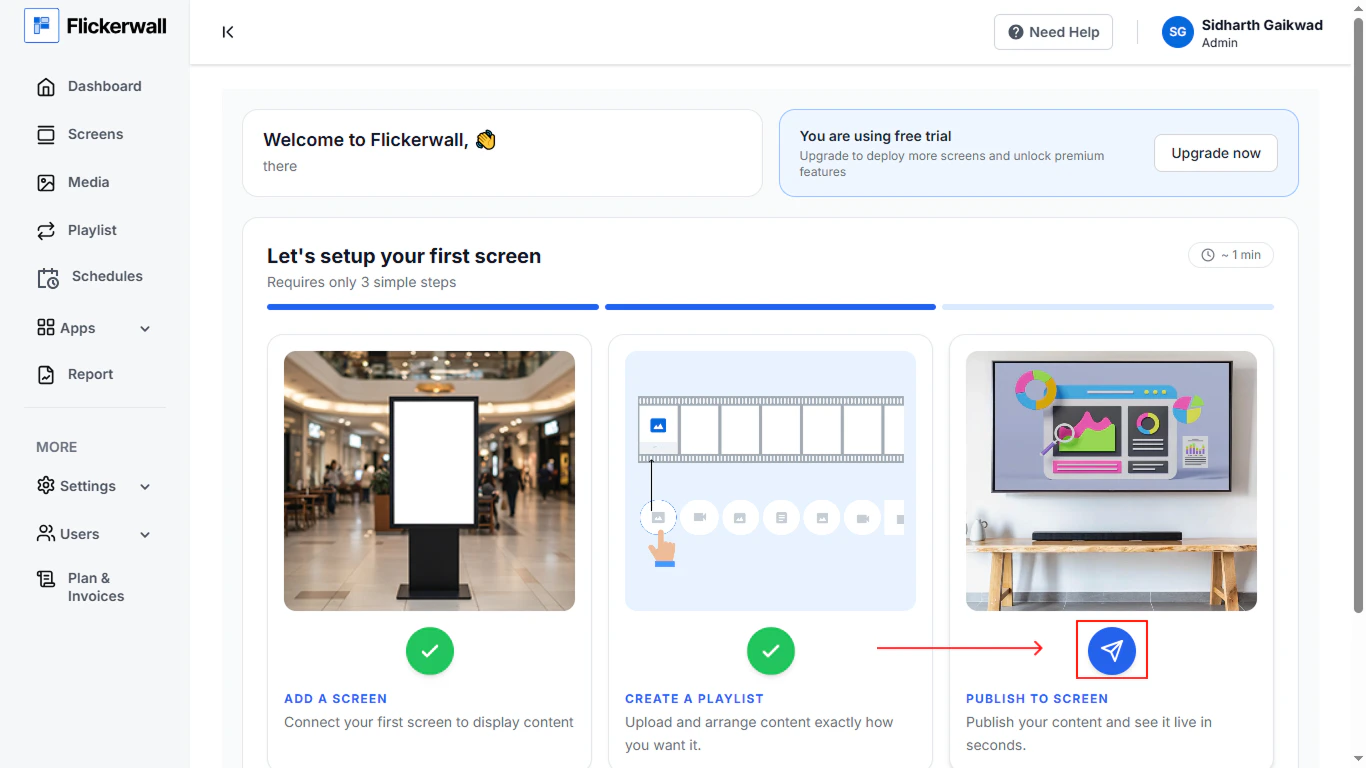
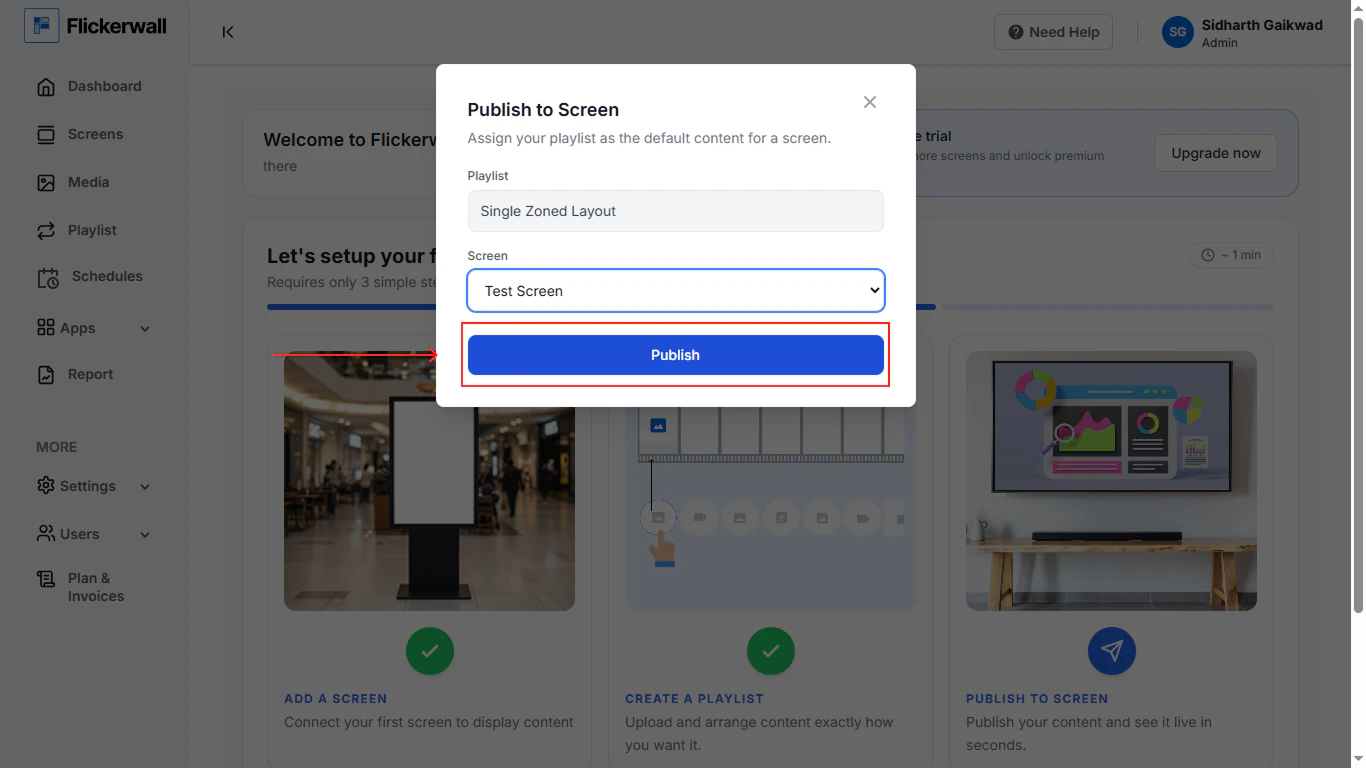
Select the zoan type and screen and publish the content