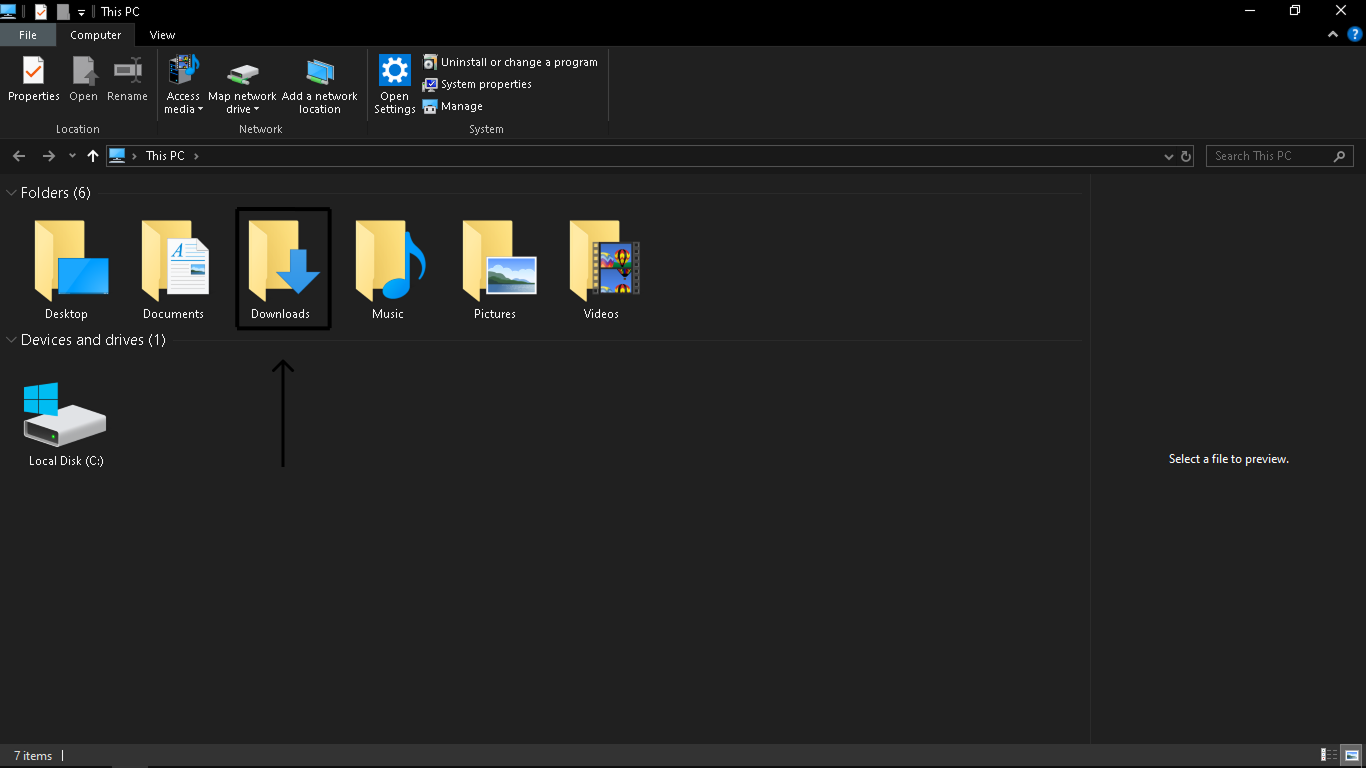
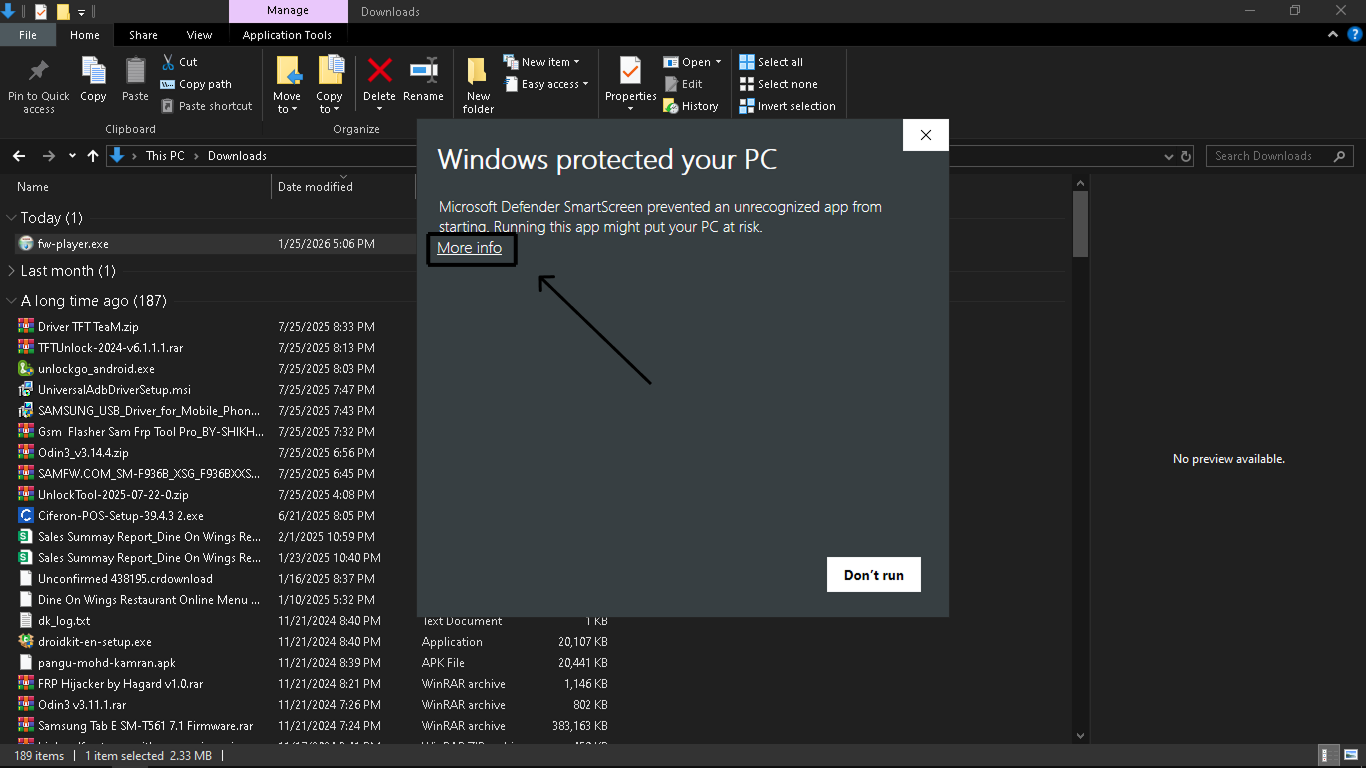
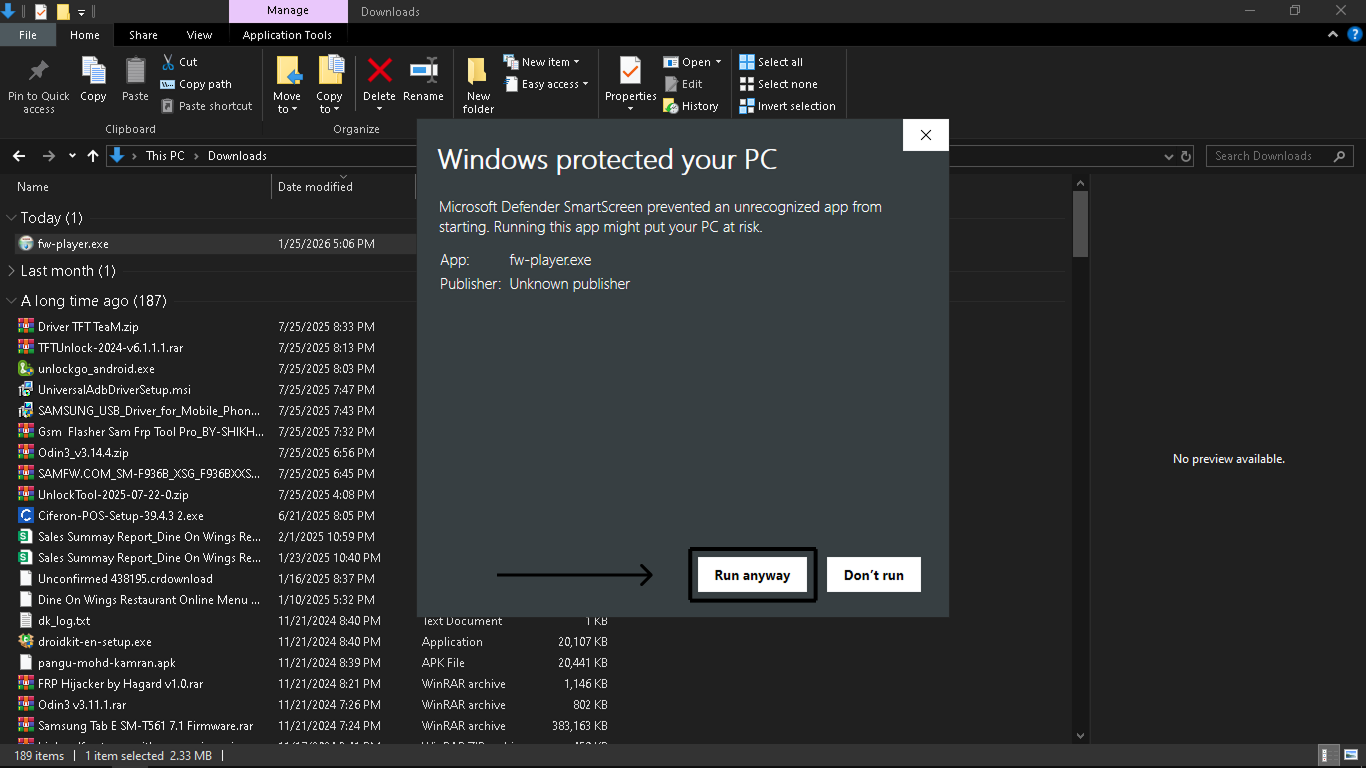
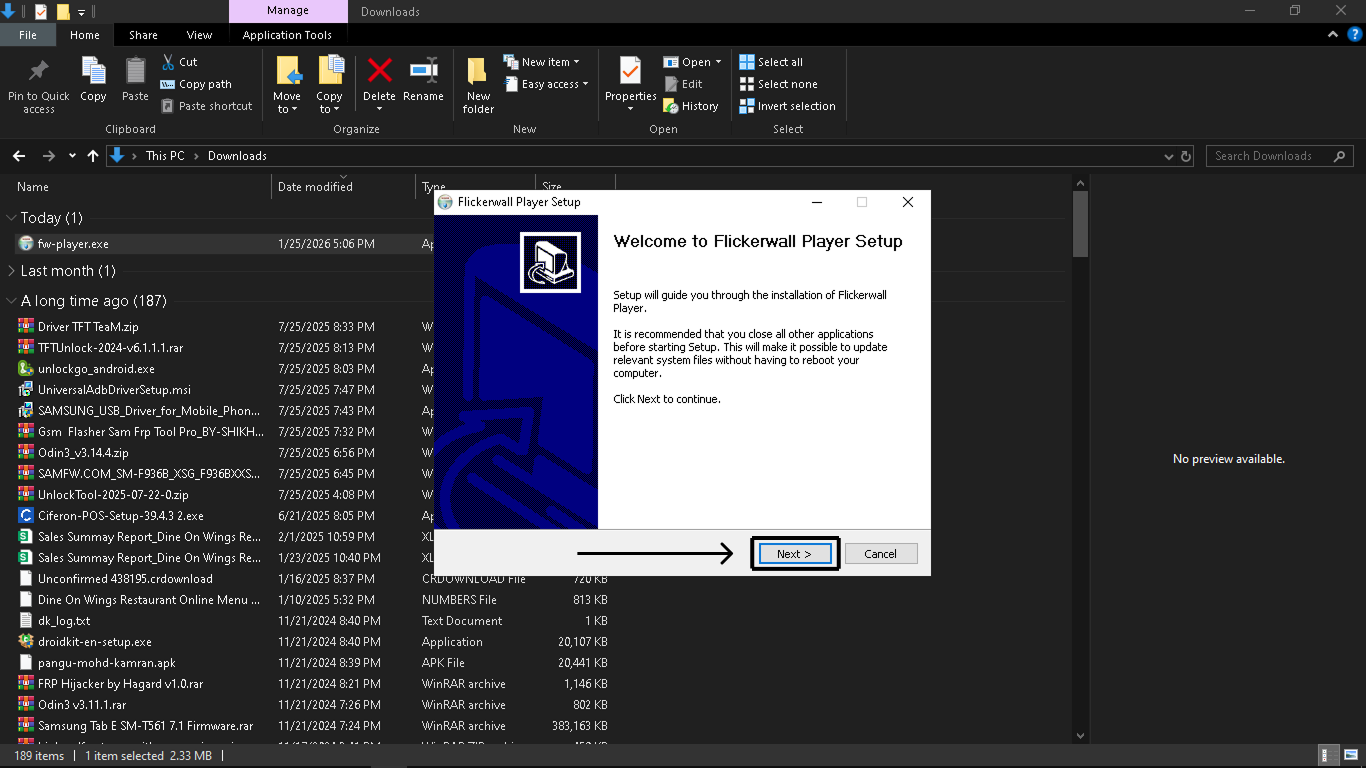
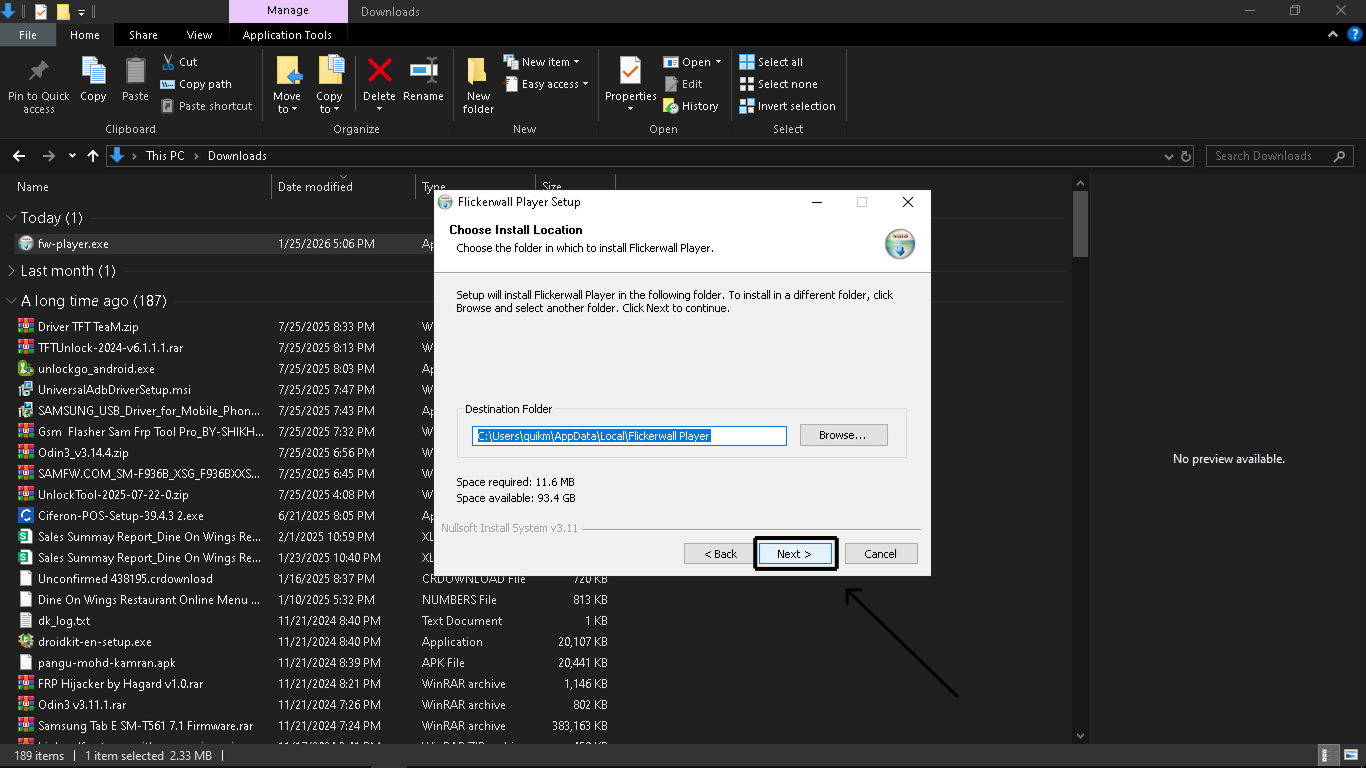
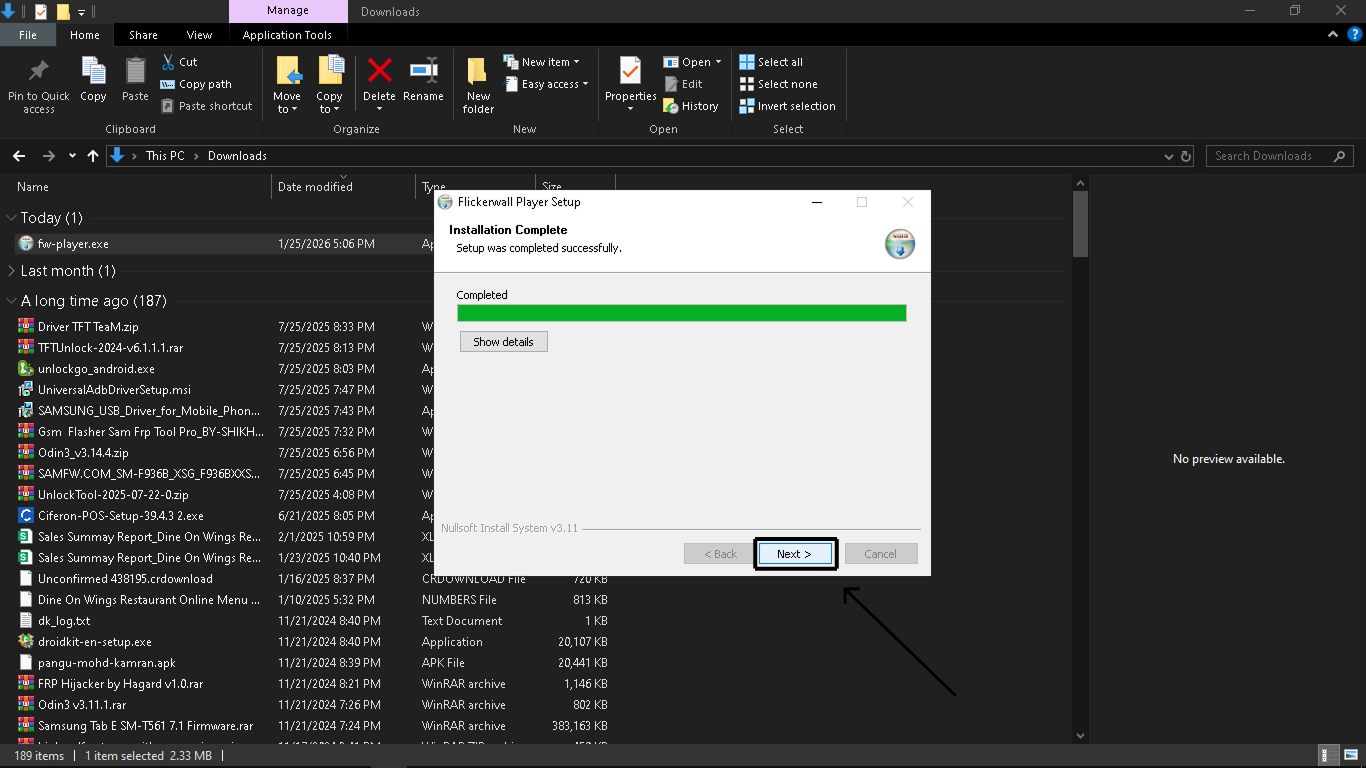
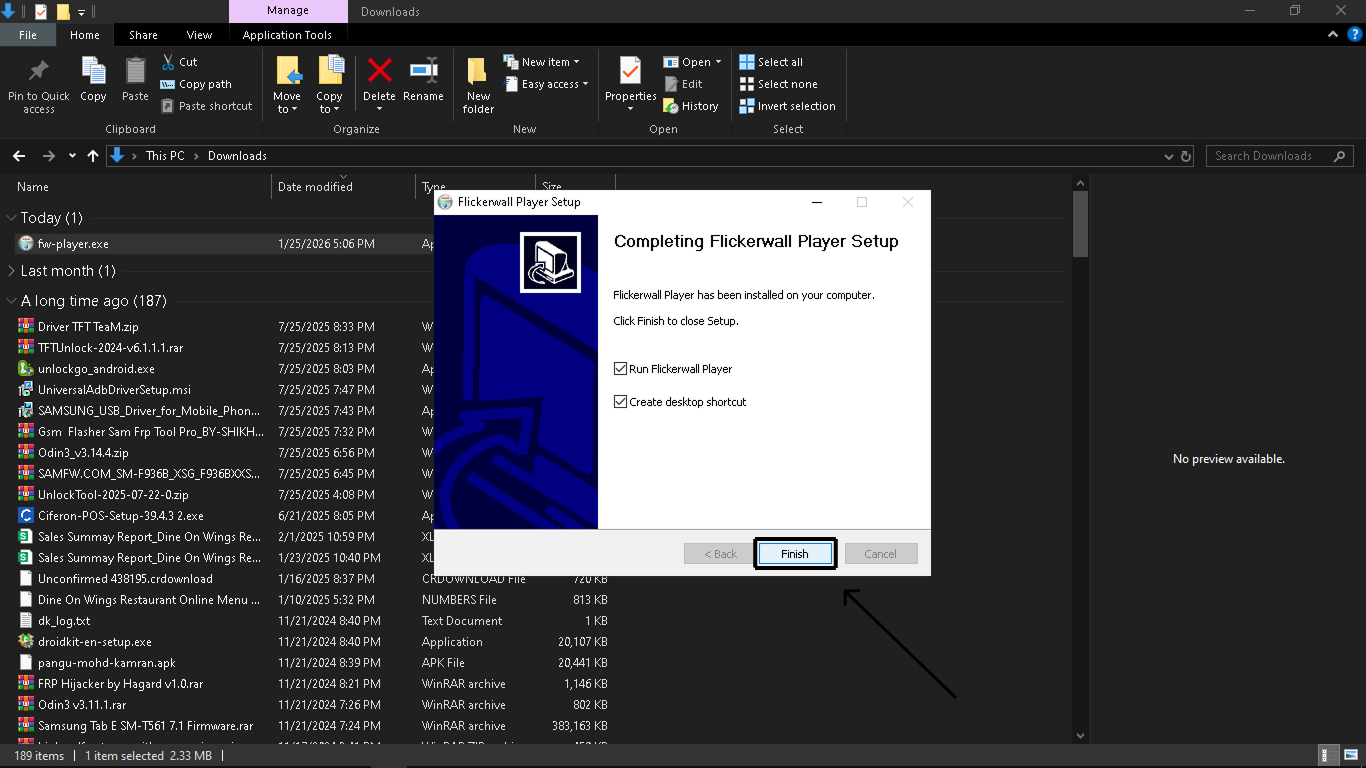
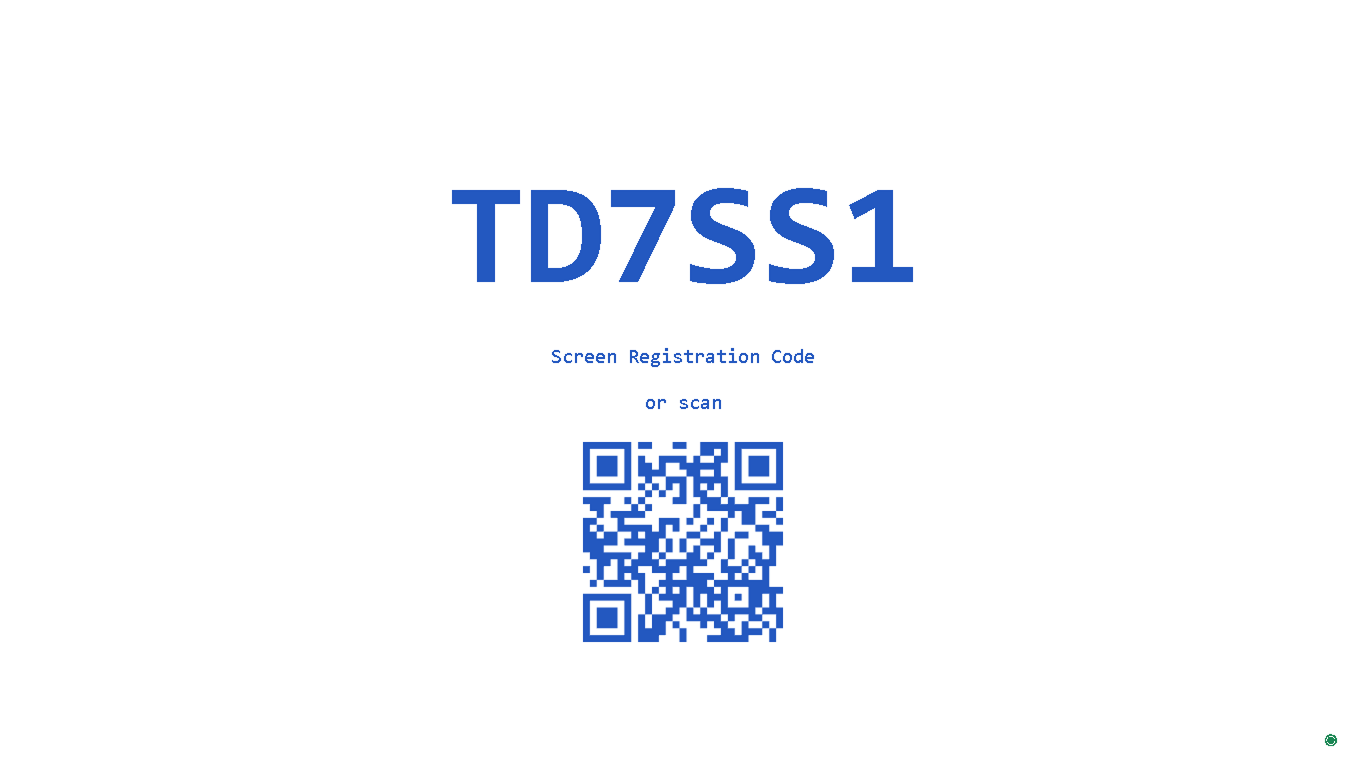
Step 1 Download the Windows Player Visit the download page and click the download button to download the Windoes EXE file. Step 2 Find the file in your downloads folder. Open File Explorer, navigate to your Downloads folder, and double-click the installer file. Step 3 Grant permission to install. Click on “More Info” if your page looks like this then , Click on “Run Anyways” Step 4 Click on “Next” to continue Step 5 Select a Destination Folder (Optional) or Click “Next” directly Step 6 Click on “Next” once the Process shows “Completed” Step 7 Click “Finish” to complete the process Step 8 Get Registration Code. Pair your display with the Flickerwall using the registration code. You will need to enter this code on the console to complete the pairing process. Success! The Flickerwall Player is now installed. You are ready to start managing your content on Windows Get Flickerwall Today or start a Free Trial Now