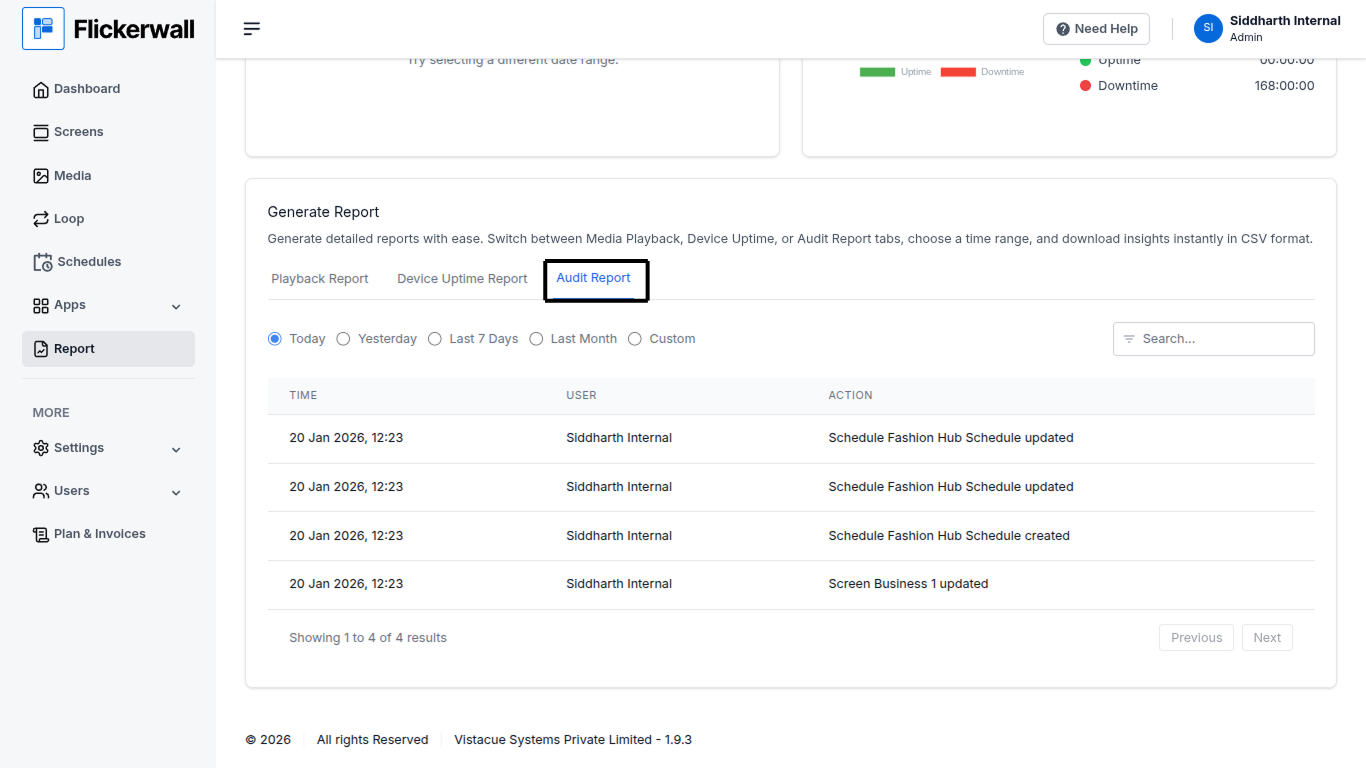
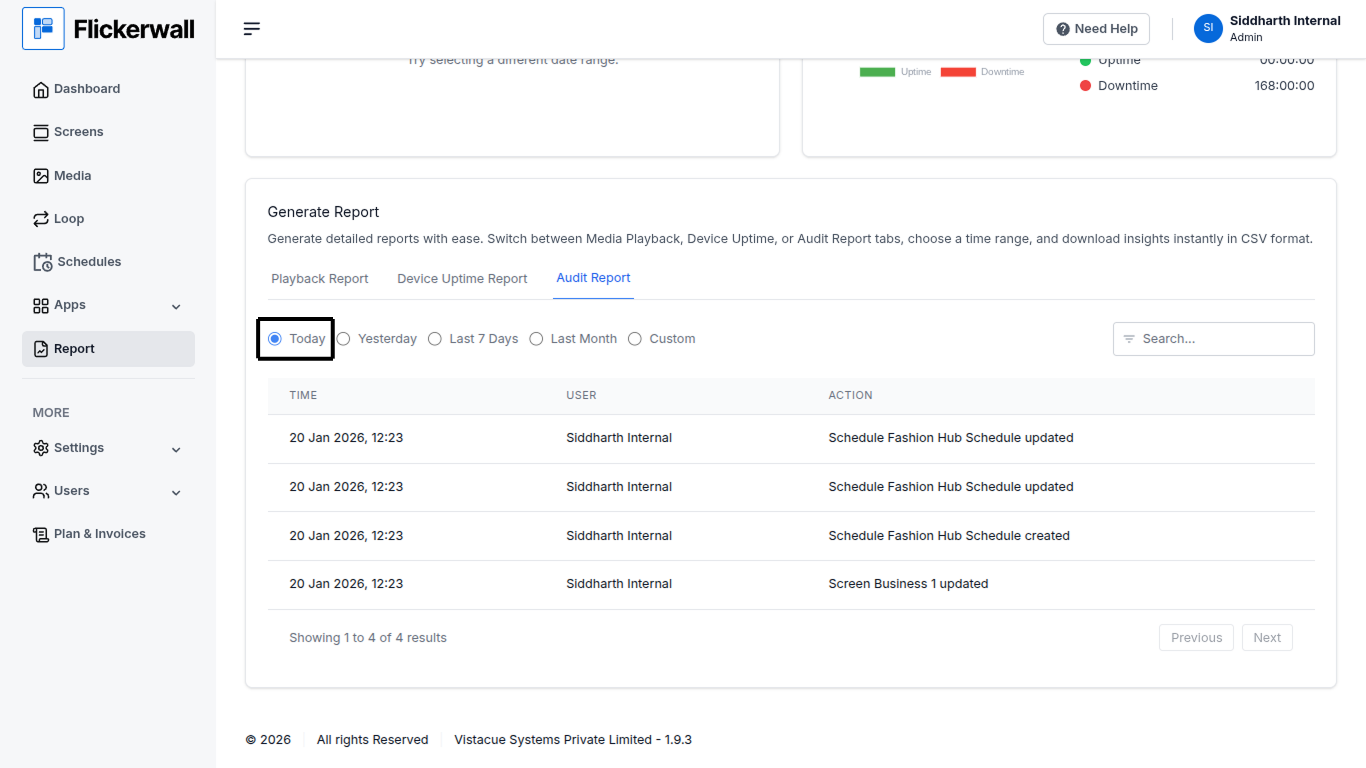
Step 1 Go to Report module Scroll down and select Audit Report
How to Check Audit Report of the Custom/Specific dates?
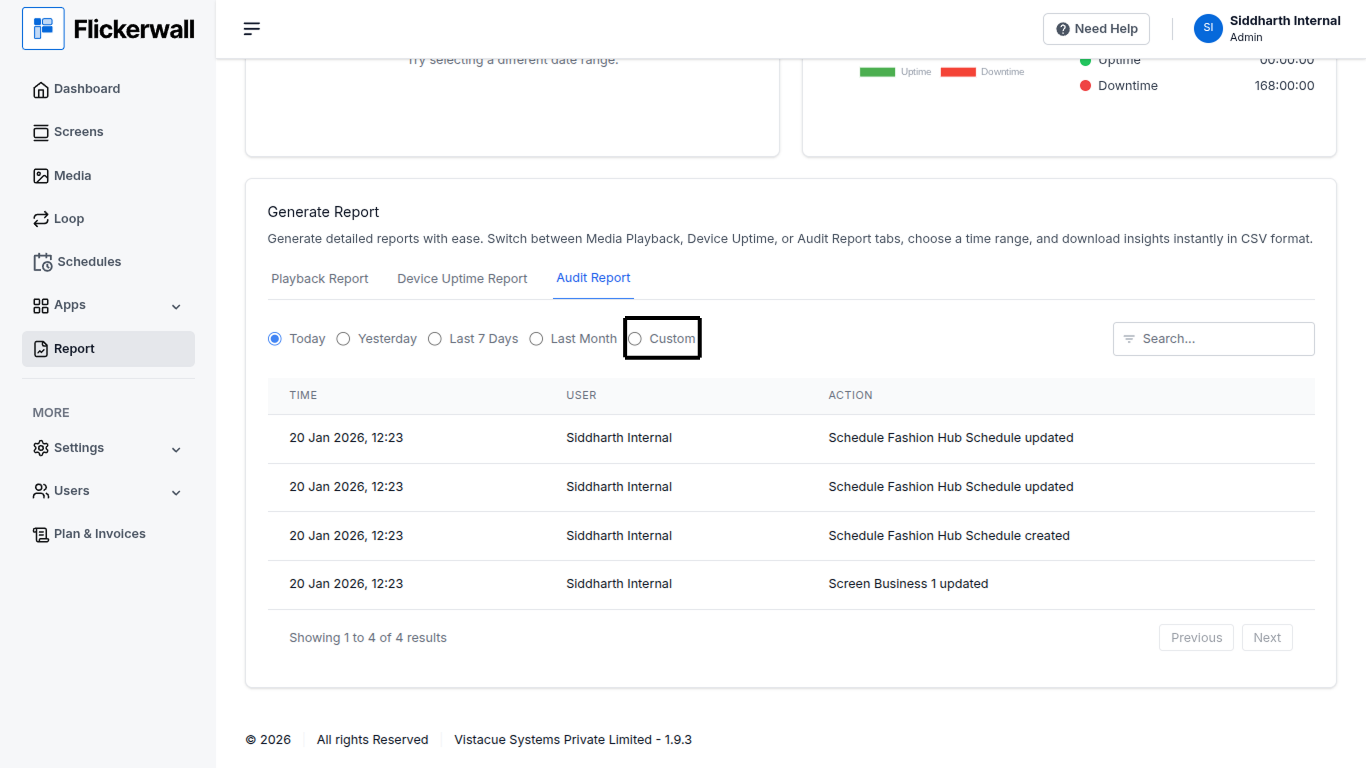
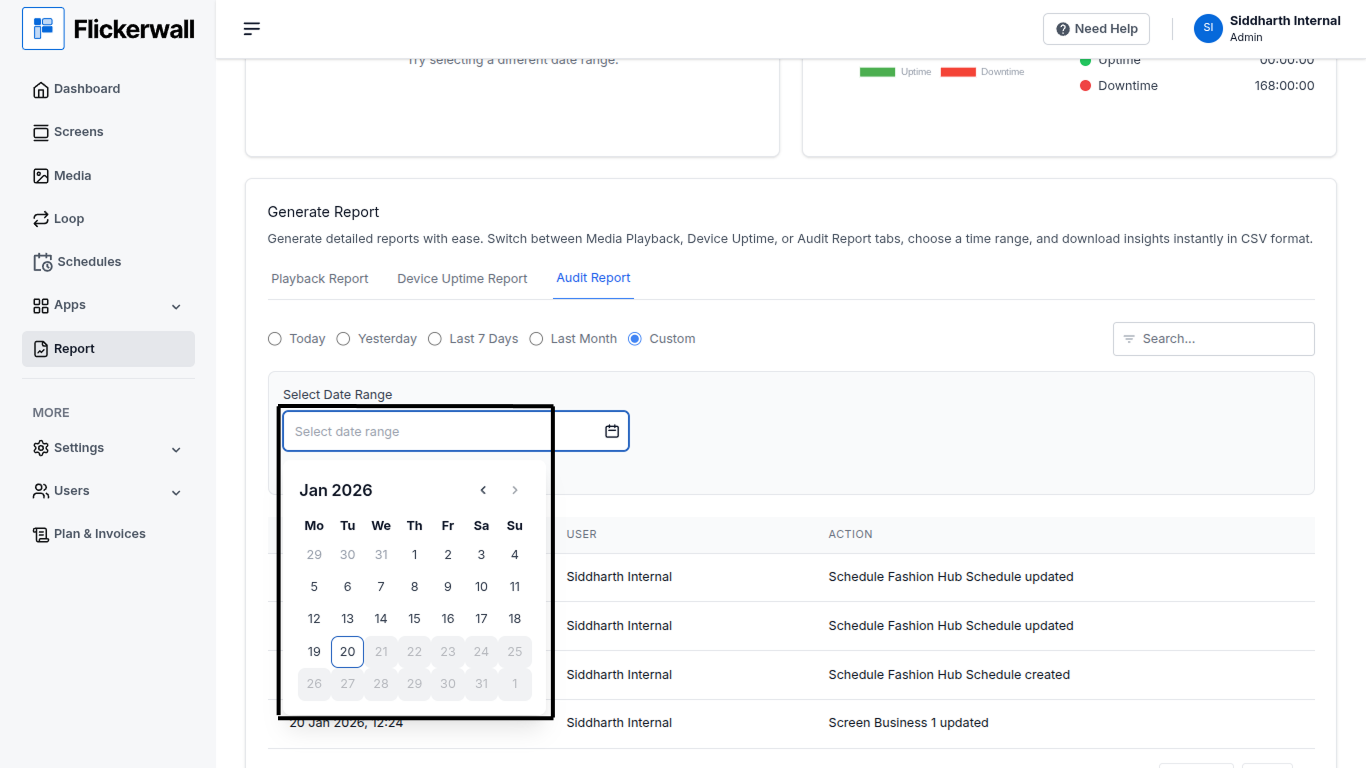
Select Custom to enter a specific start and end date to see data of some selected/specific dates Step 1 Select Custom in the date range module