How to add the Youtube app from Flickerwall store?
Step by step guide to learn how to add the Youtube app from Flickerwall store
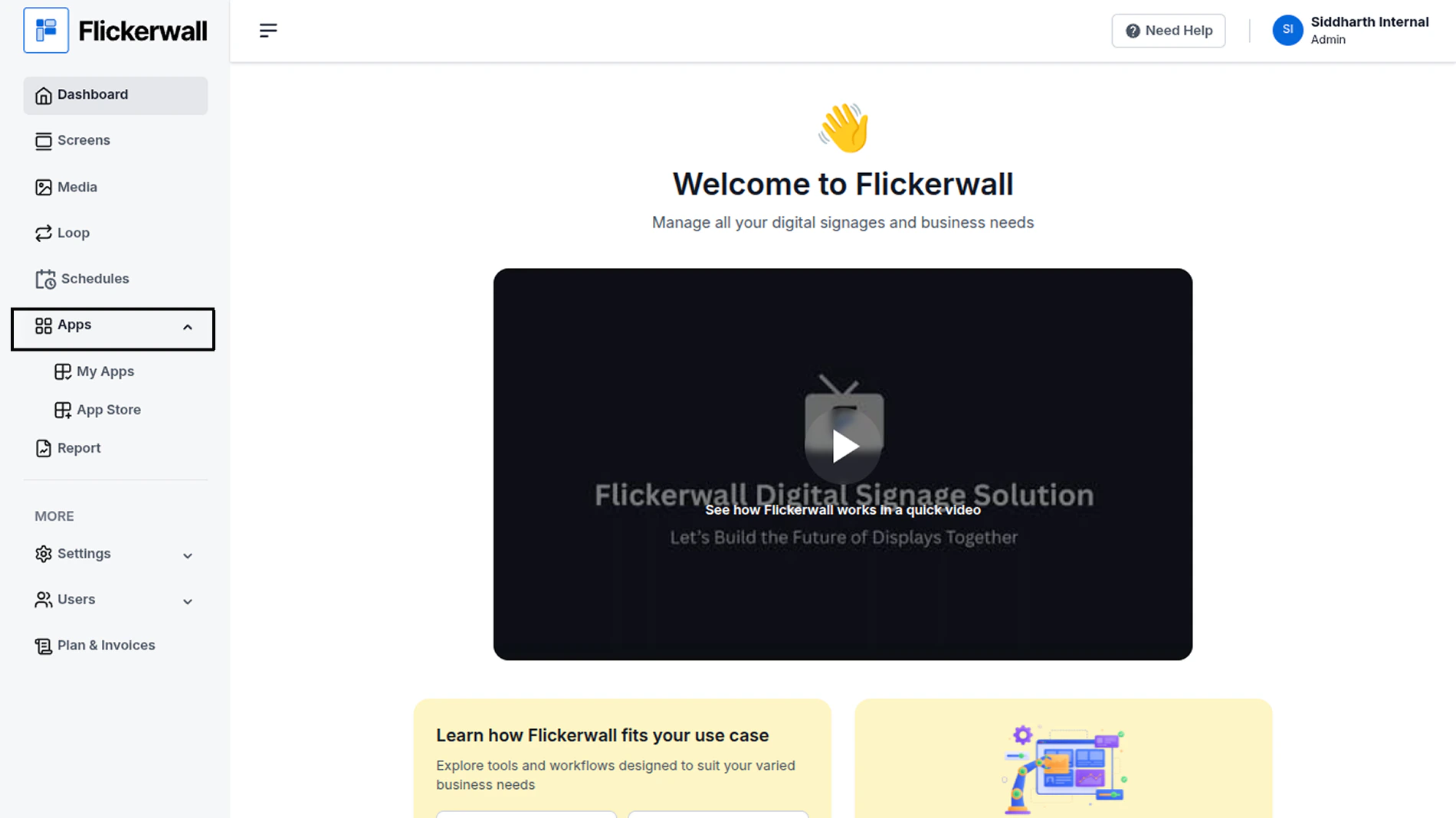
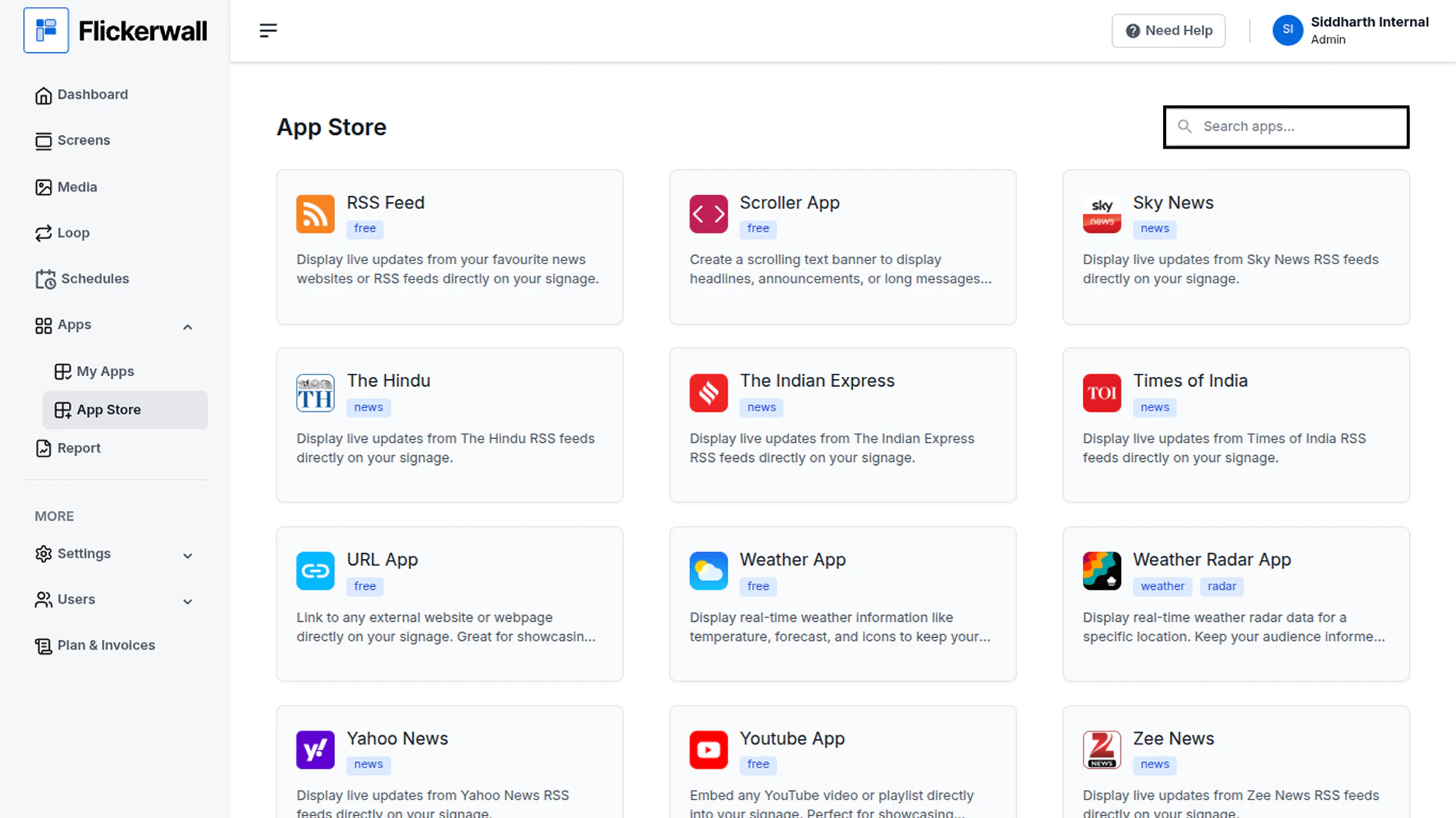
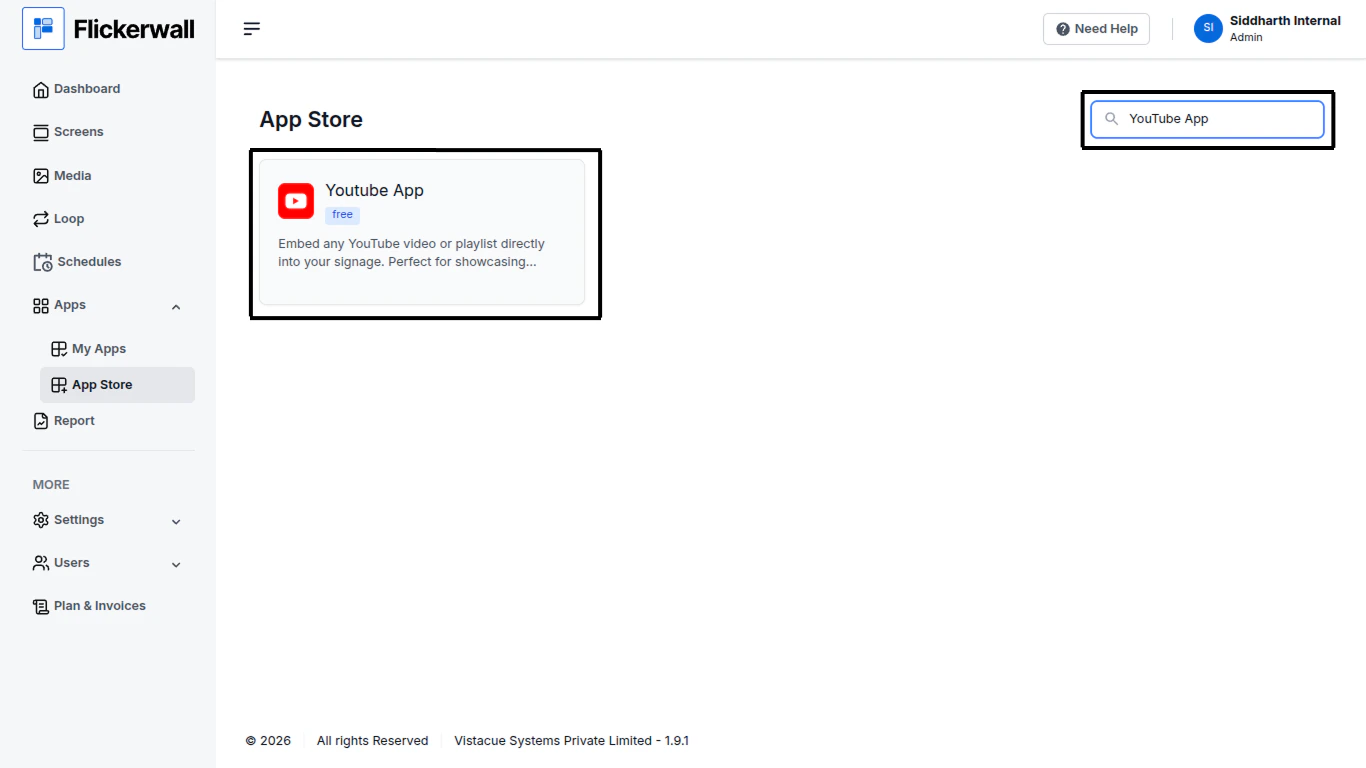
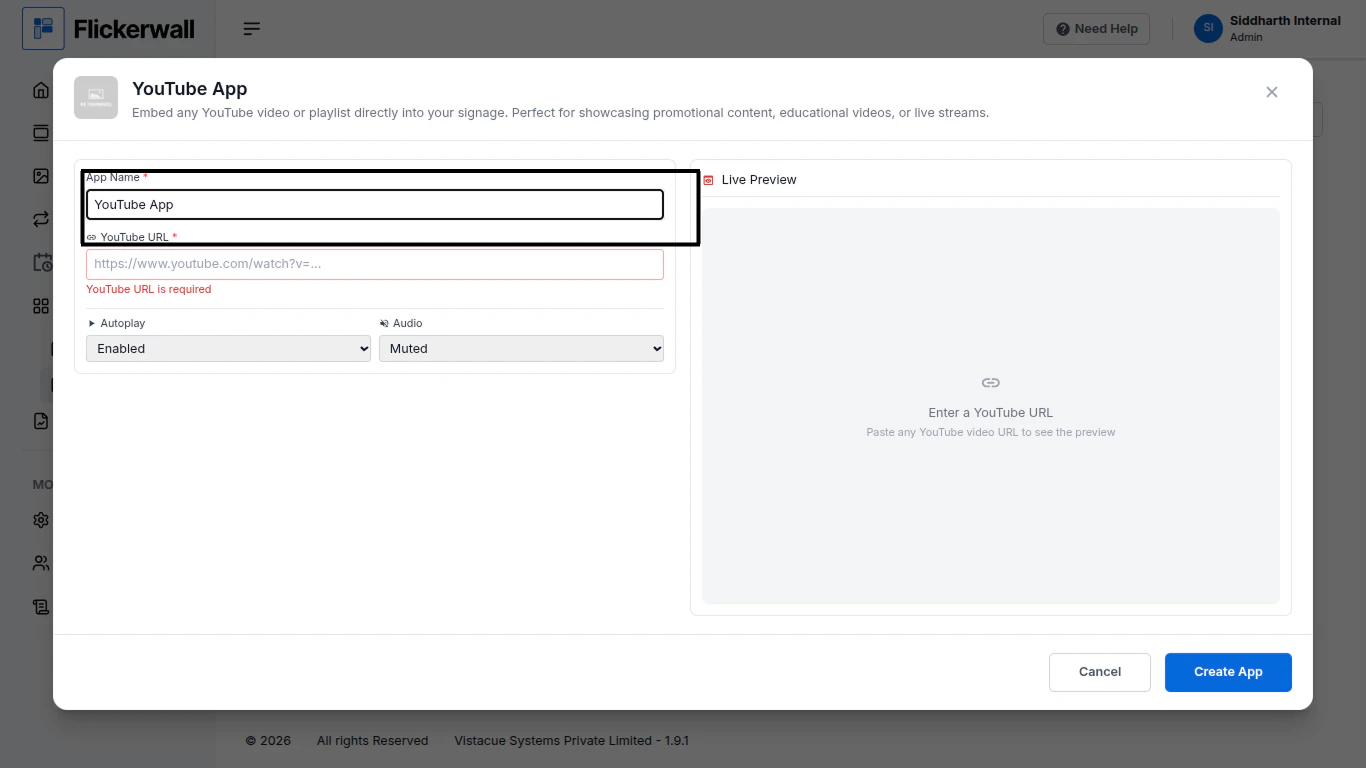
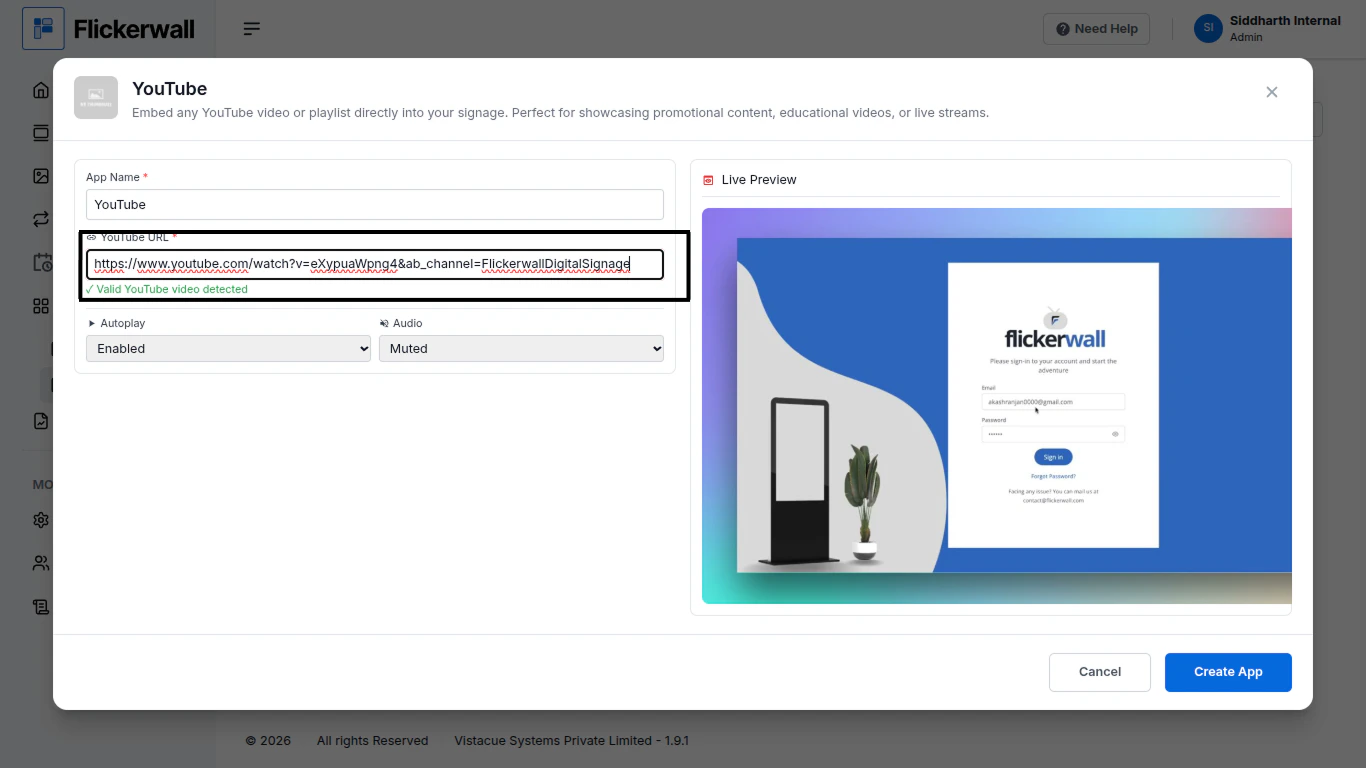
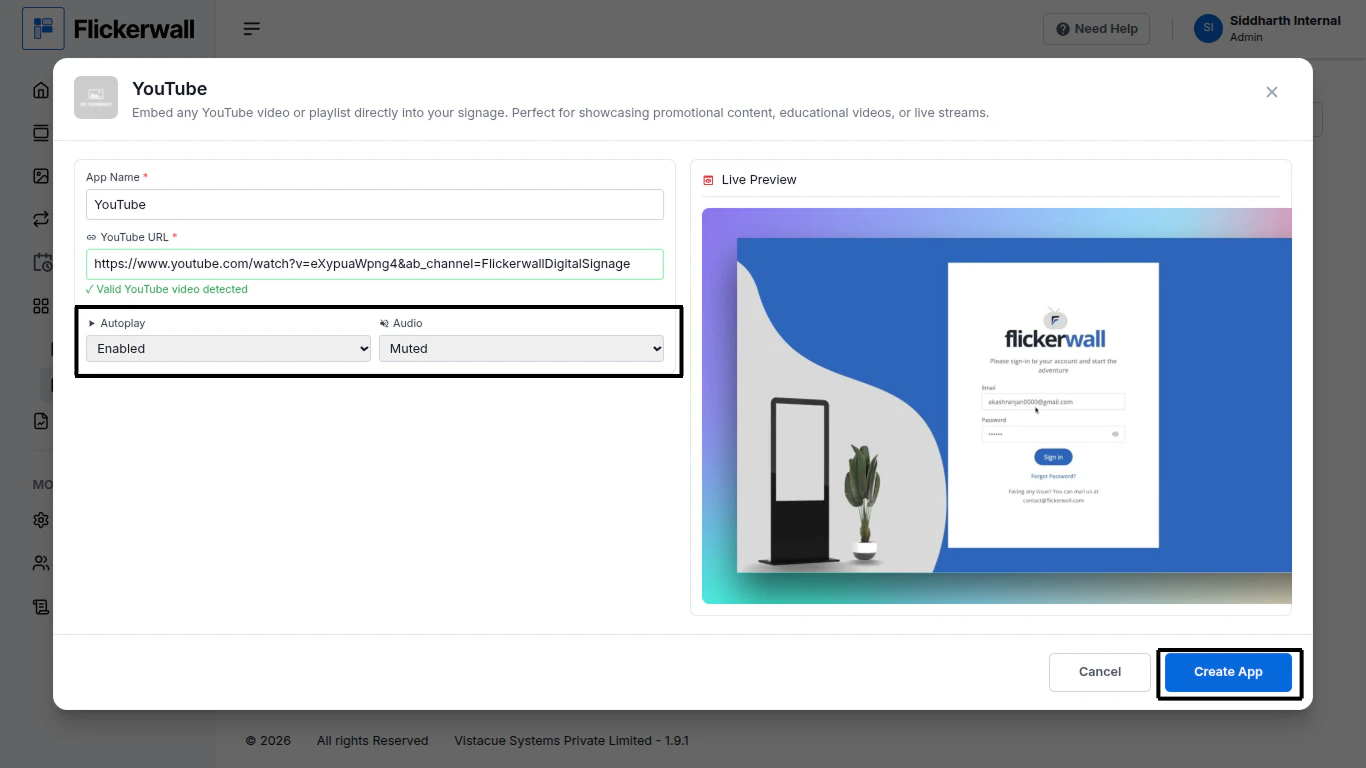
Step 1Go to Apps and then App store!click on the apps and then Nevigate to App store in the appeared drawerStep 2Go to Search Baryou can search the app you wantStep 3Search for YouTube Select and click on the desired appStep 4Enter a Name for the AppEnter a name for app so you can find it easy laterStep 5Enter your YouTube video URL and our system will detect the video and show you the previewStep 6Enable auto play and select if the Audio stays Muted or UnmutedClick on Create app ones you’re done with processCongratulations : you have now made the Youtube app for your uses