How to add and use the Google News app from Flickerwall store?

Step by step guide to learn how to add the Google News app from the Flickerwall store
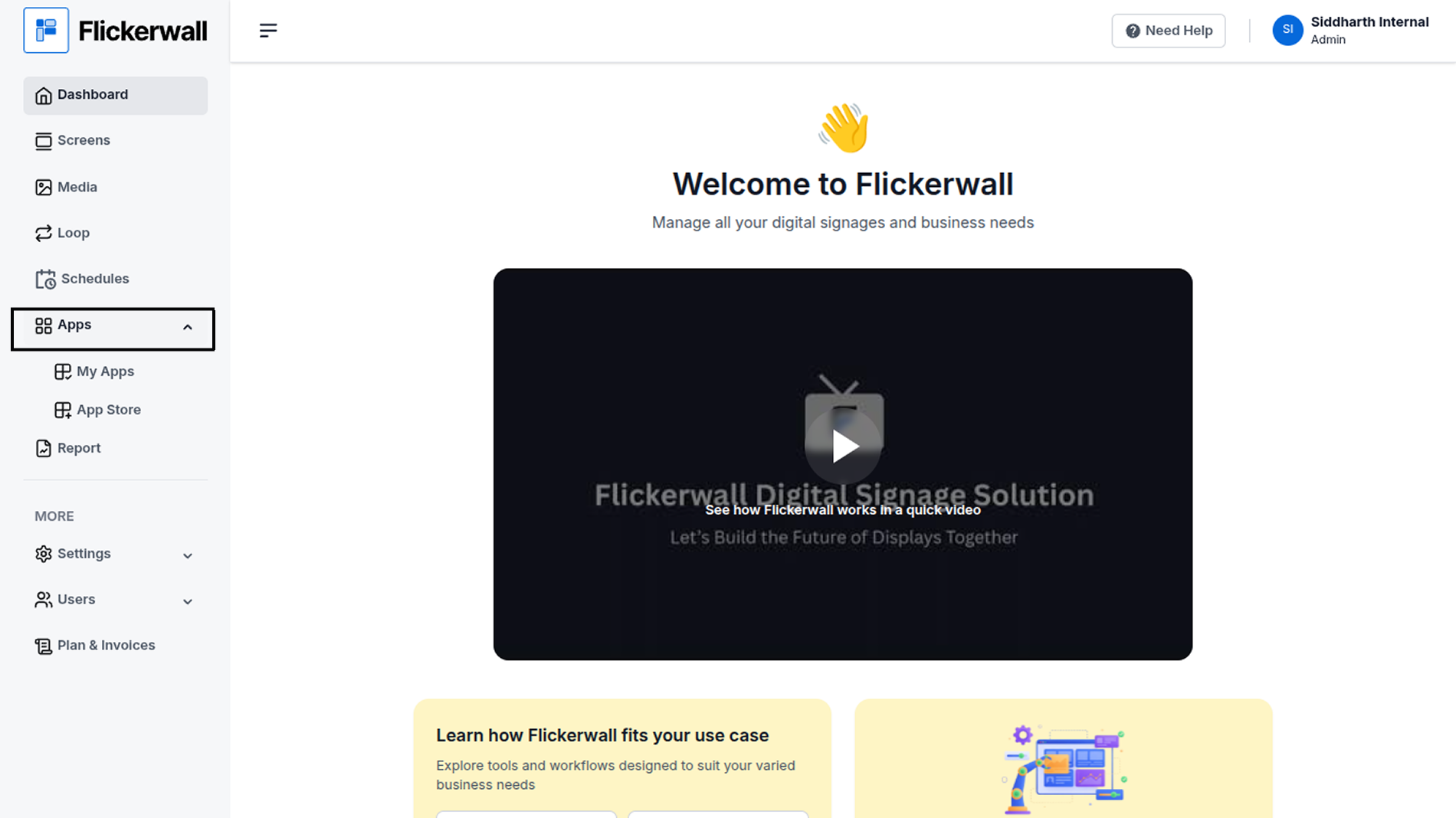
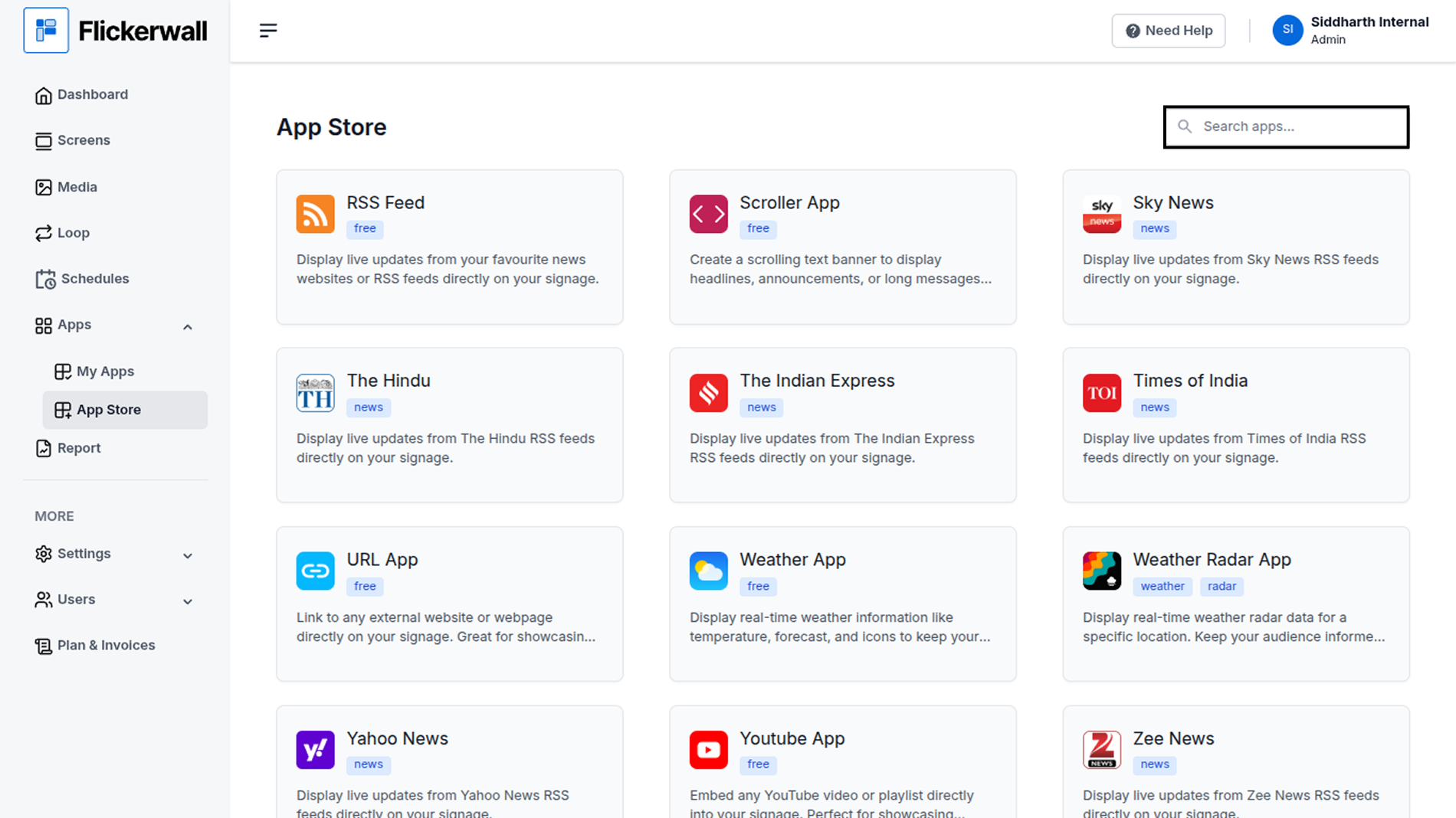
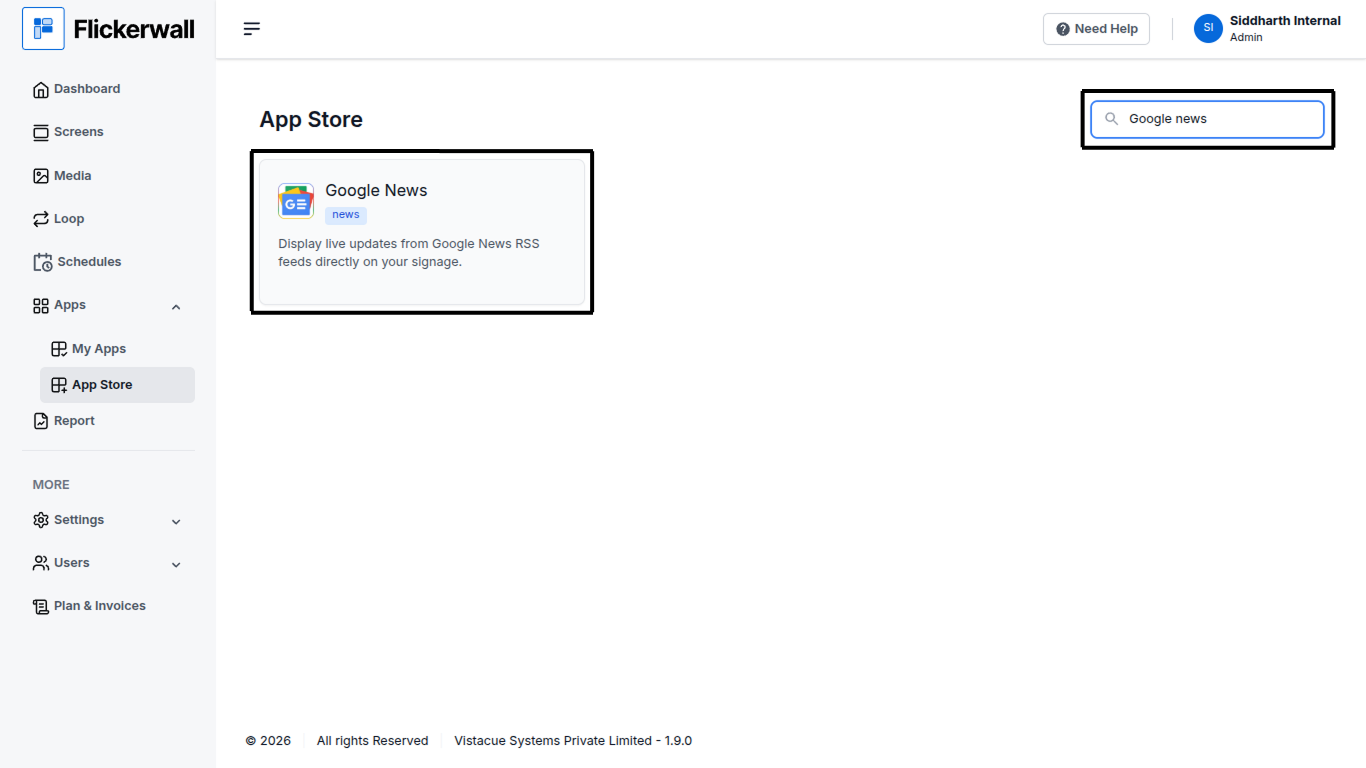
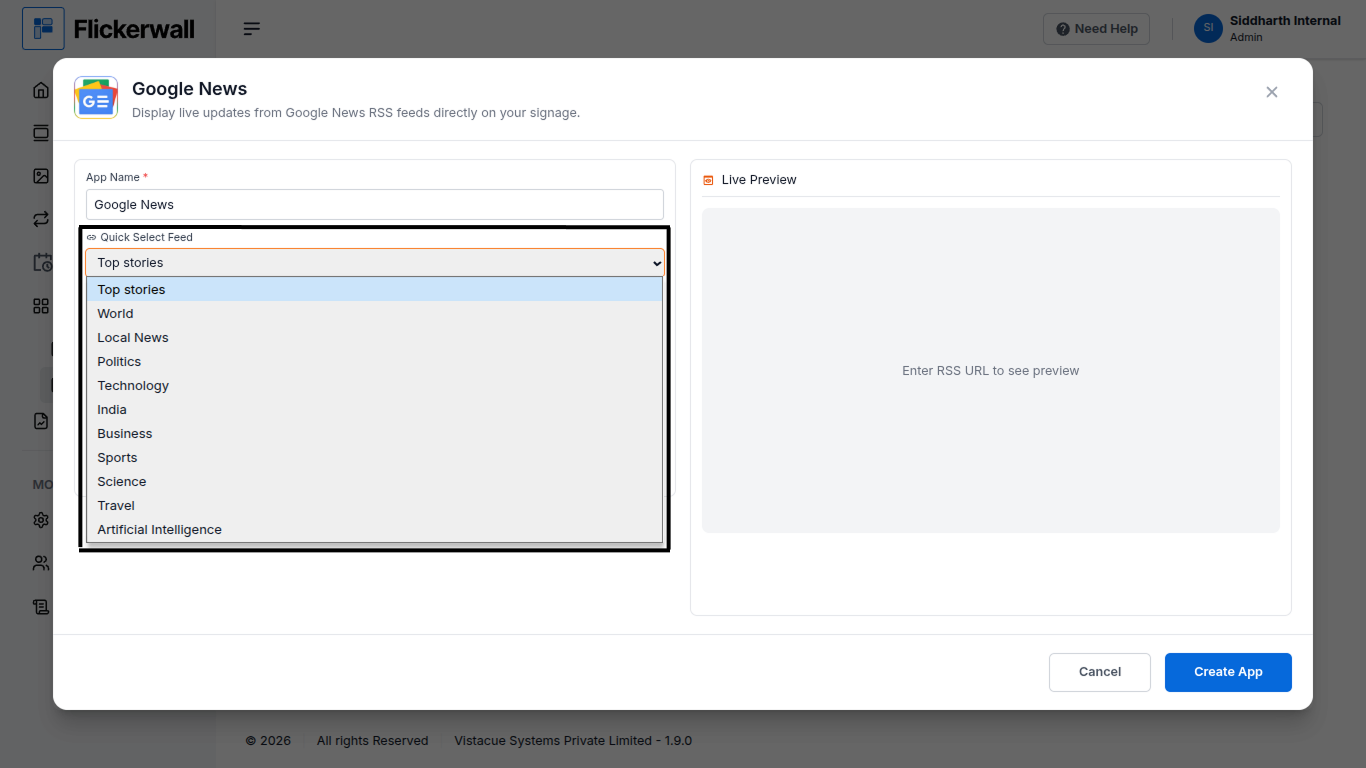
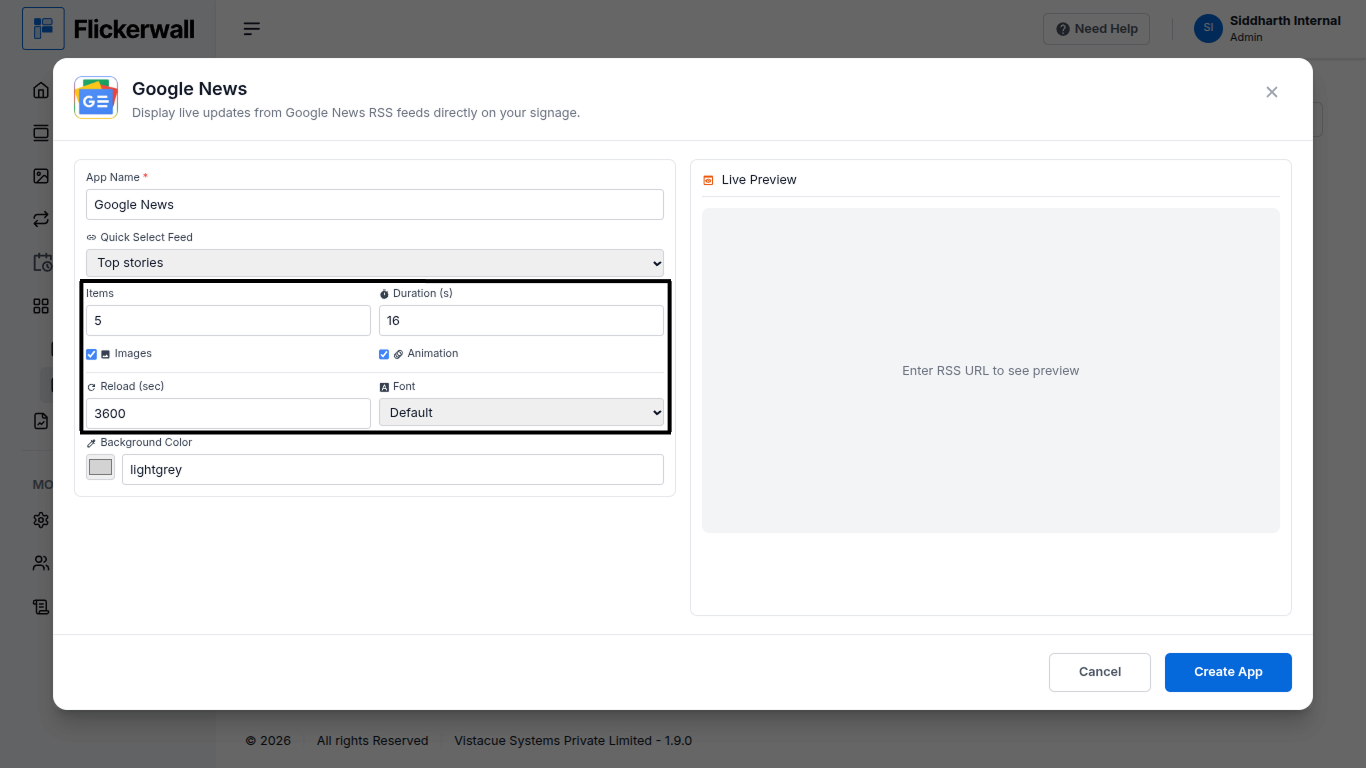
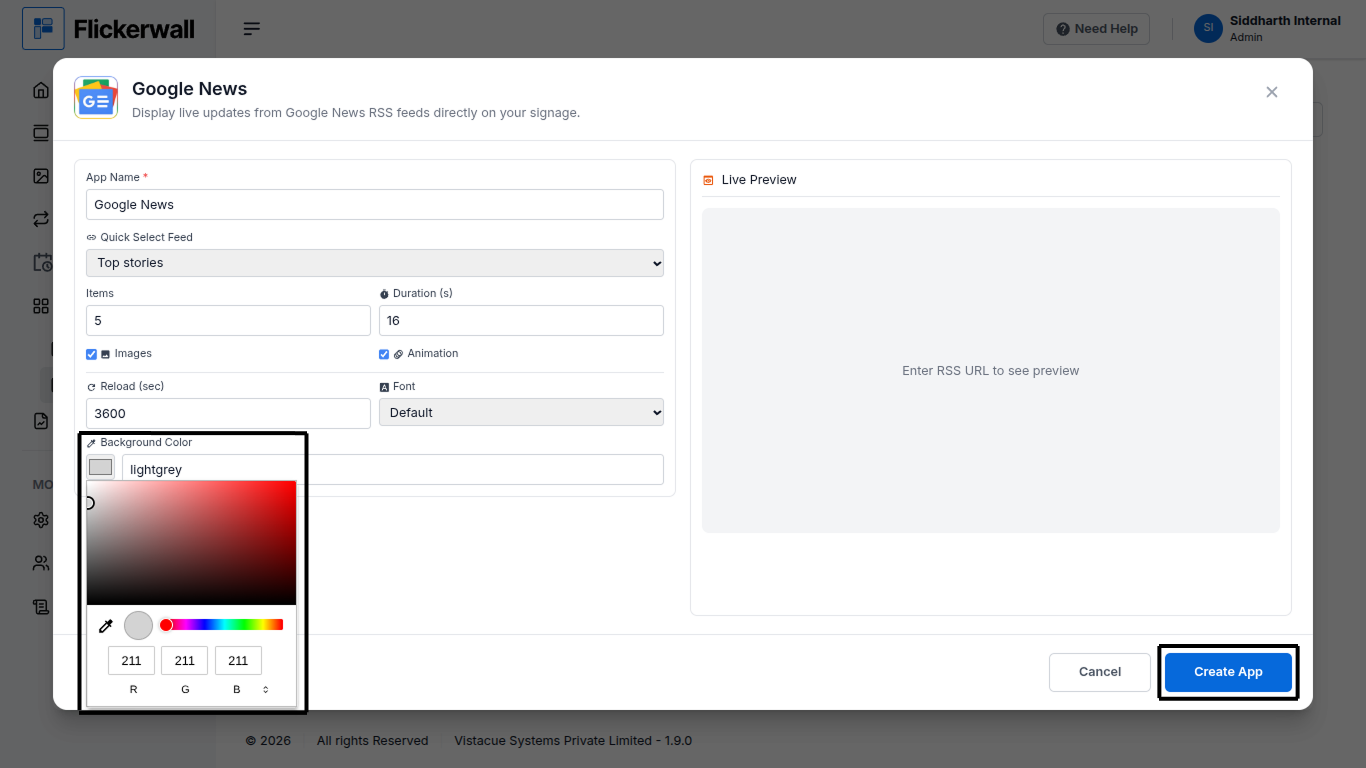
Step 1 Go to Apps and then App store! click on the apps and then Nevigate to App store in the appeared drawer Step 2 Go to Search Bar you can search the app you want Step 3 Search for Google News Select and click on the desired app Step 4 Enter a Name for the App Enter a name for app so you can find it easy later Step 5 Select a desired feed Topic for the App Select any topic that feels more valuable for you signage Step 6 Select How many items you wanna display and Duration Choose if you want images and Animations Lastly select reload time and desired Font Step 7 Select the desired Background and Click Create App Congratulations: You’ve learnt how to create an app for Flickerwall