How to add the Google Map Traffic app from the Flickerwall store?

step by step guide to learn how to add the Google Map Traffic app from the Flickerwall store
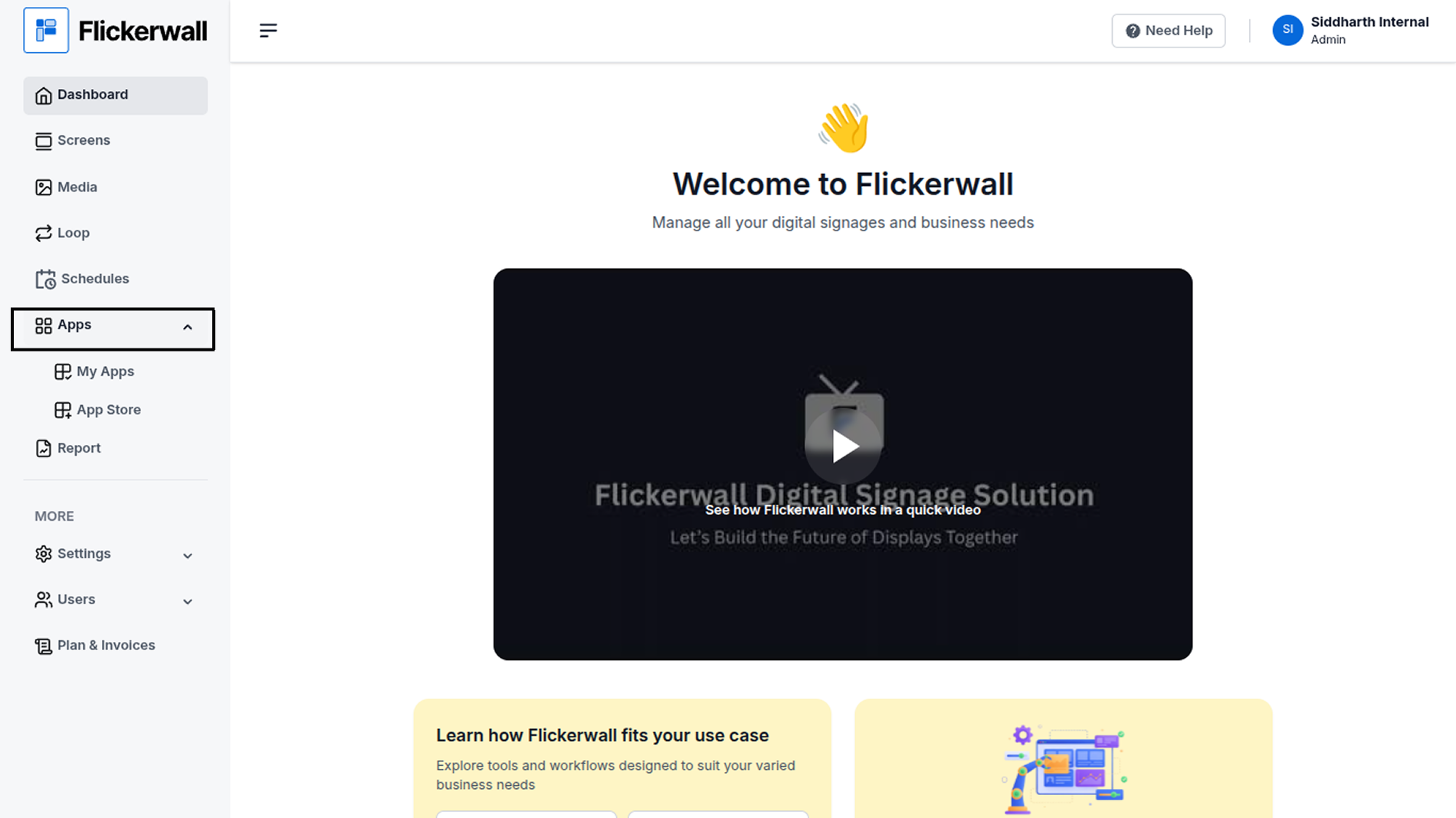
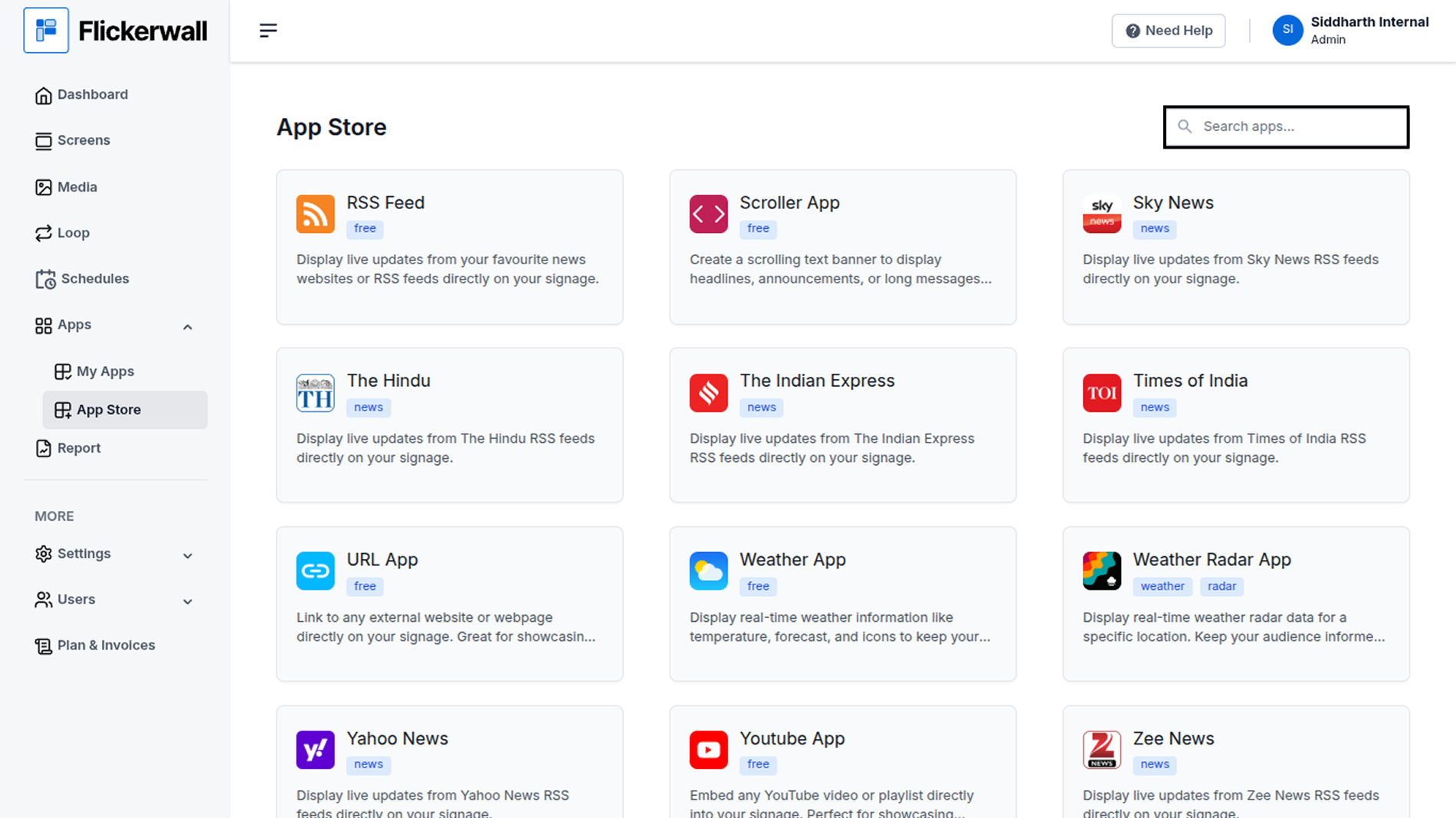
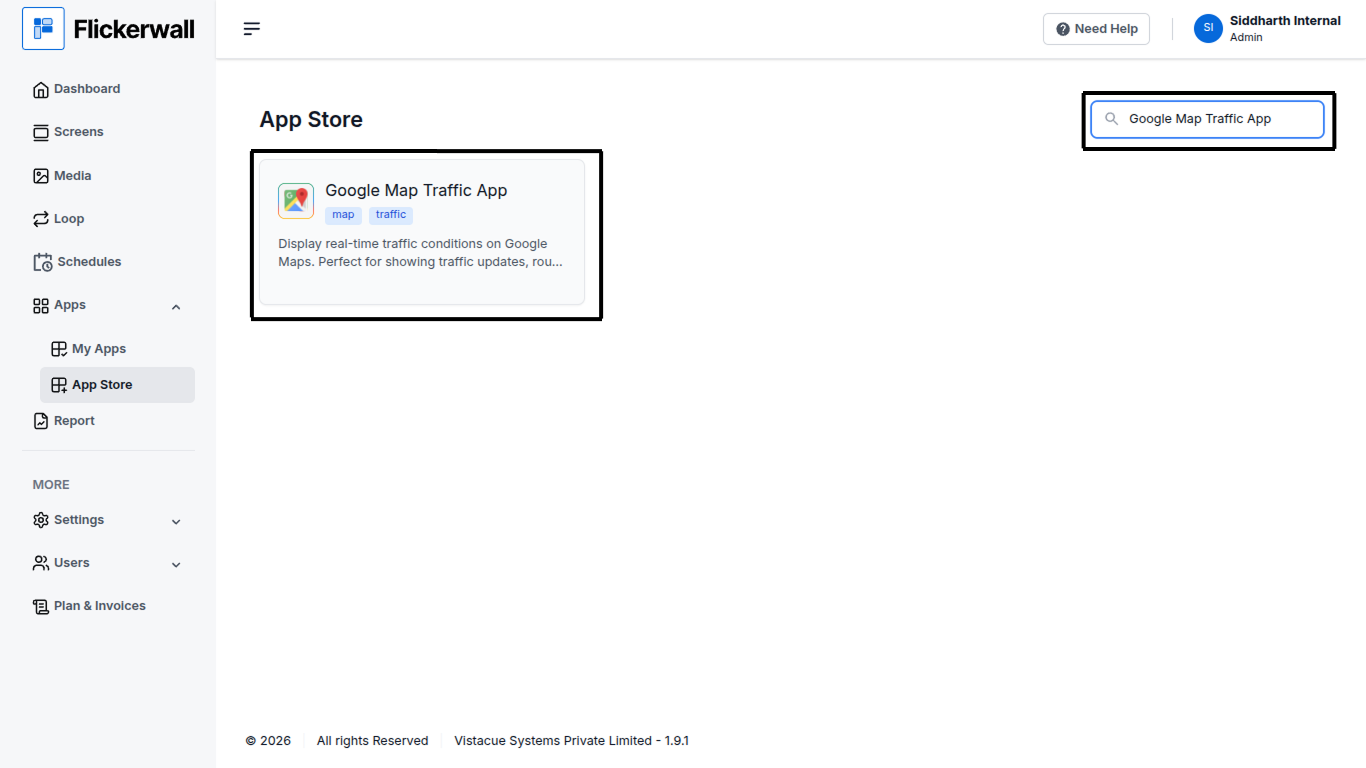
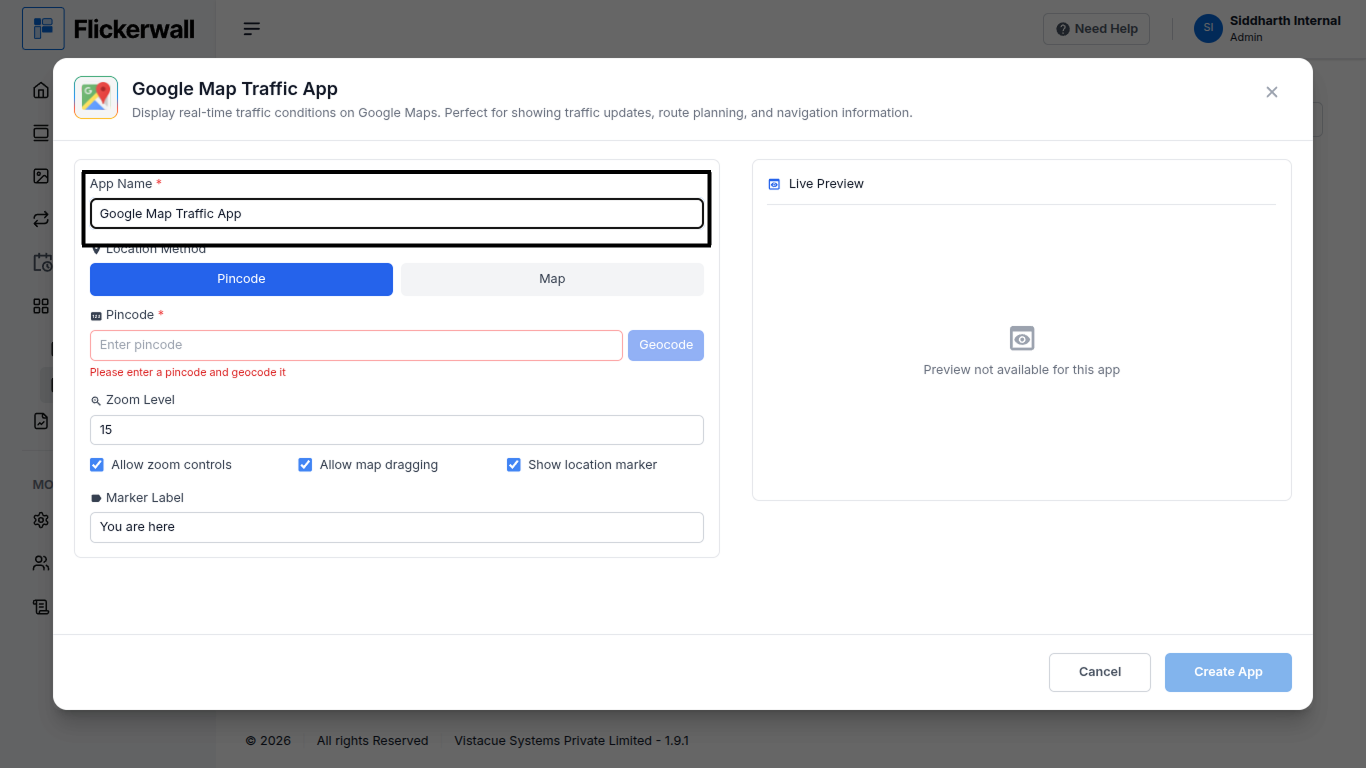
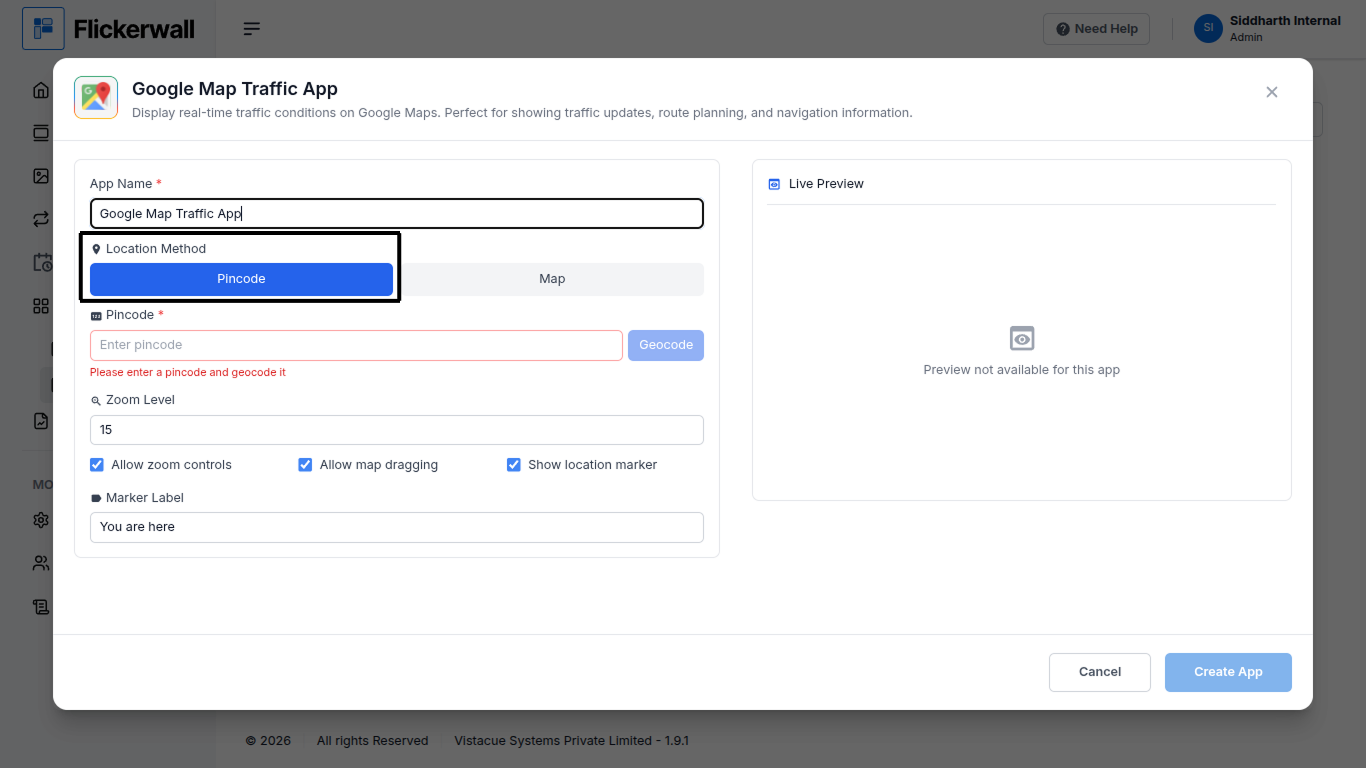
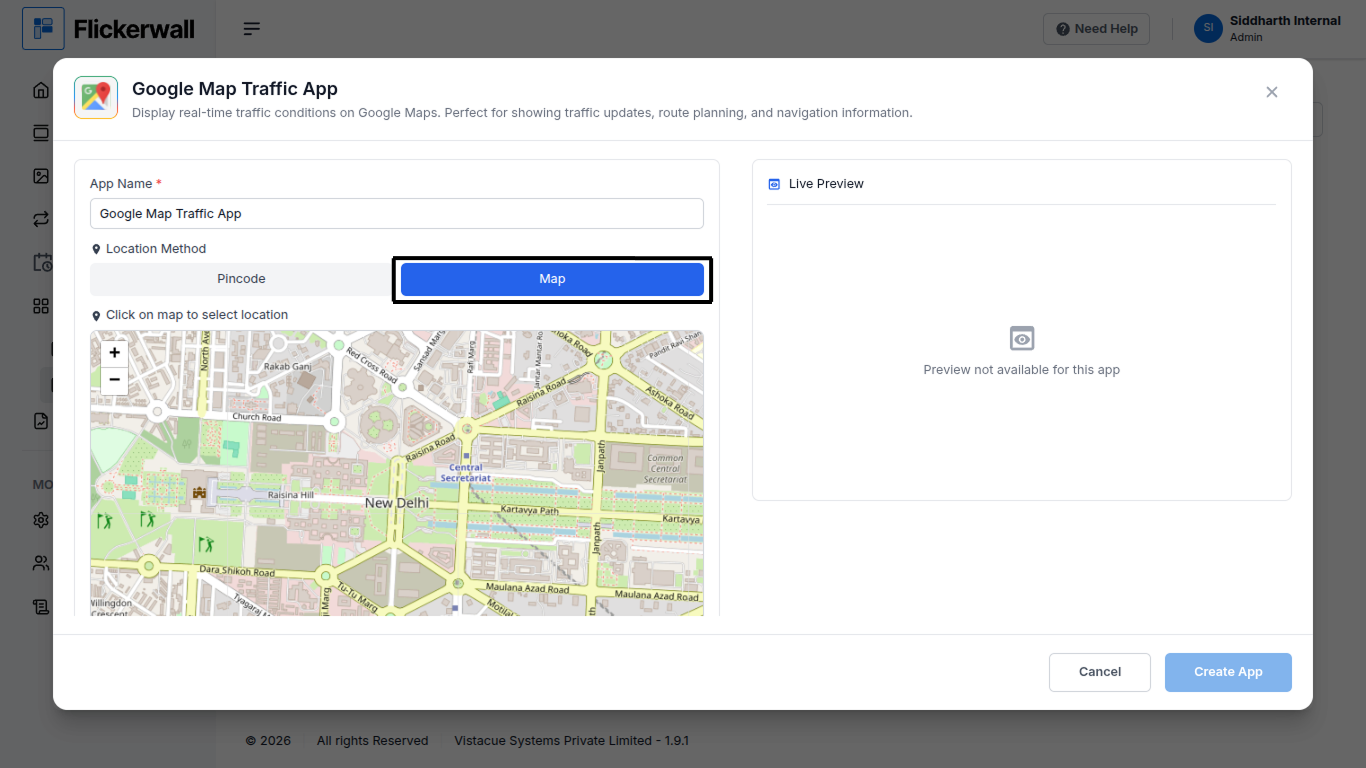
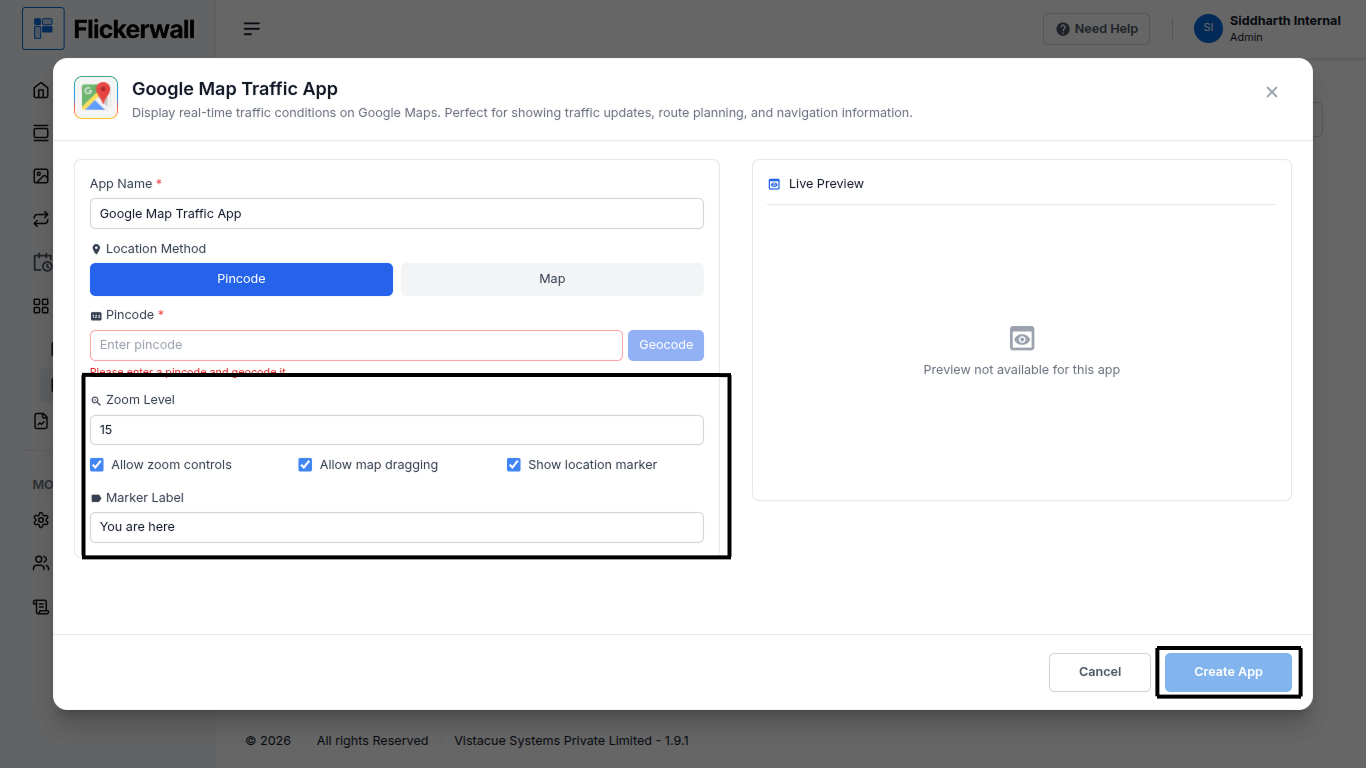
Step 1 Go to Apps and then App store! click on the apps and then Nevigate to App store in the appeared drawer Step 2 Go to Search Bar you can search the app you want Step 3 Search for Google Map Traffic App Select and click on the desired app Step 4 Enter a Name for the App Enter a name for app so you can find it easy later Step 5 Select and add your location Pincode or select your location on map Step 6 Enter your Zoon level select if you want to