How to add the Content Kiosk App from Flickerwall store?

Step by step guide to learn how to add the Content Kiosk app from the Flickerwall store
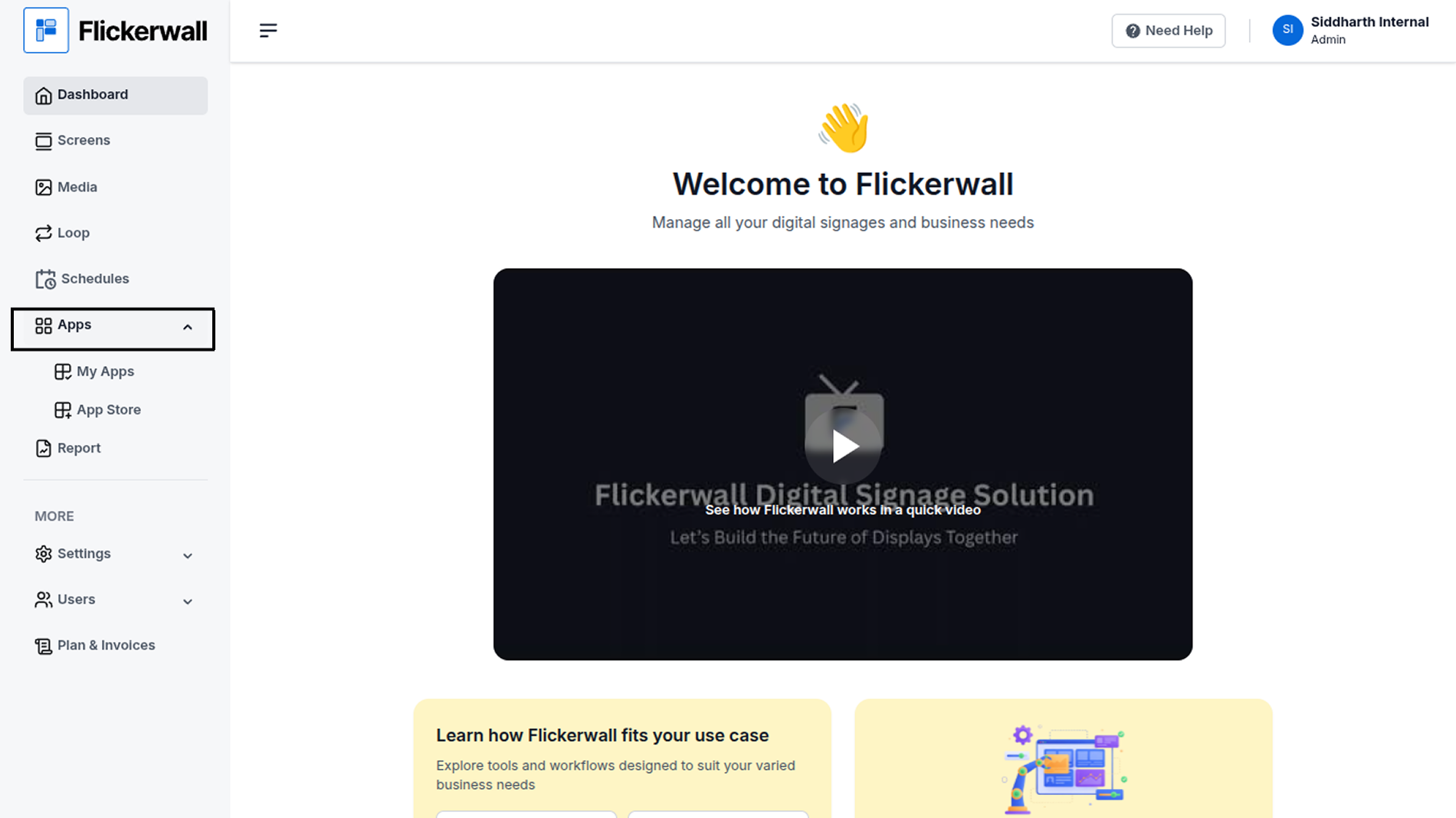
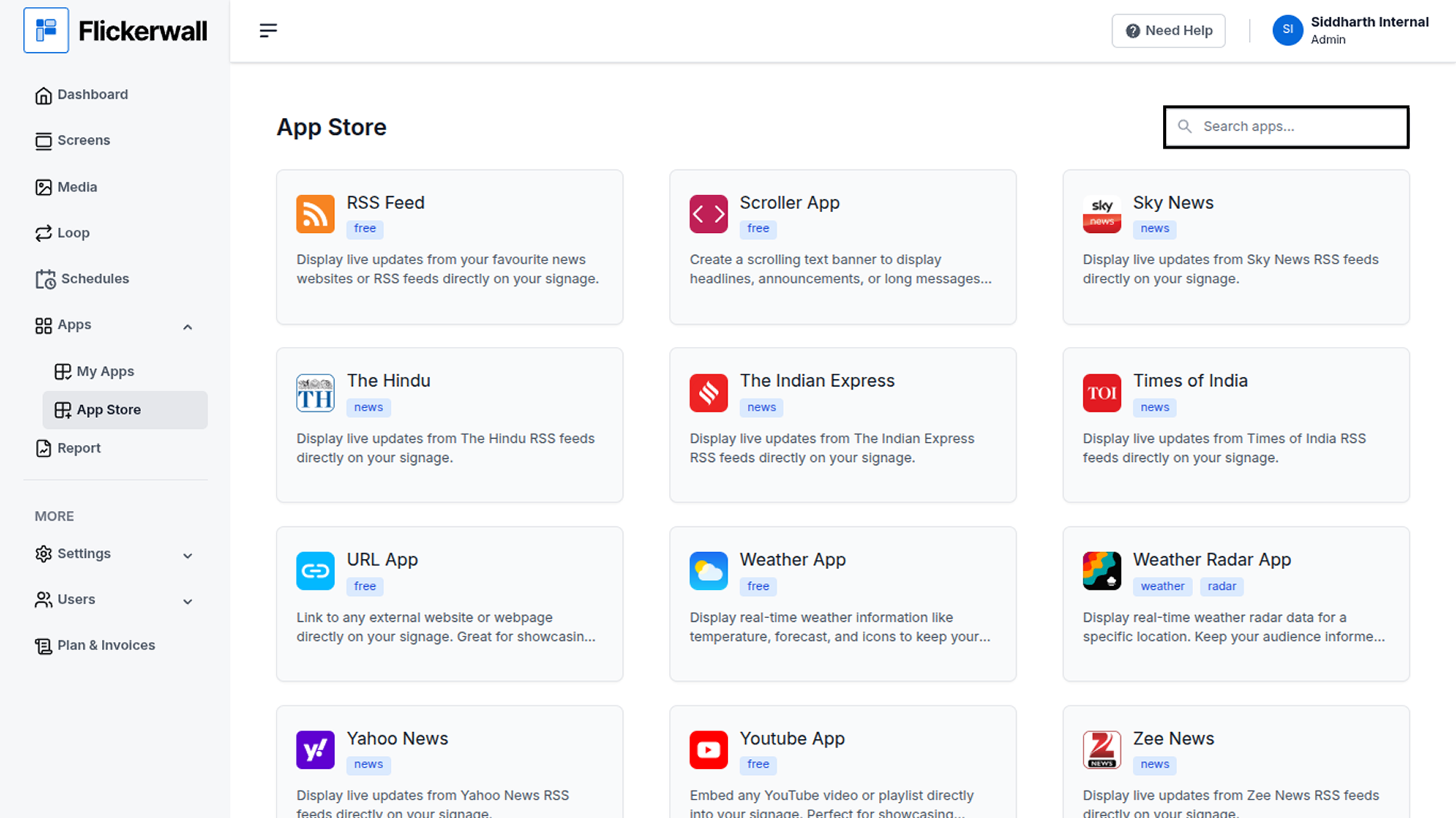
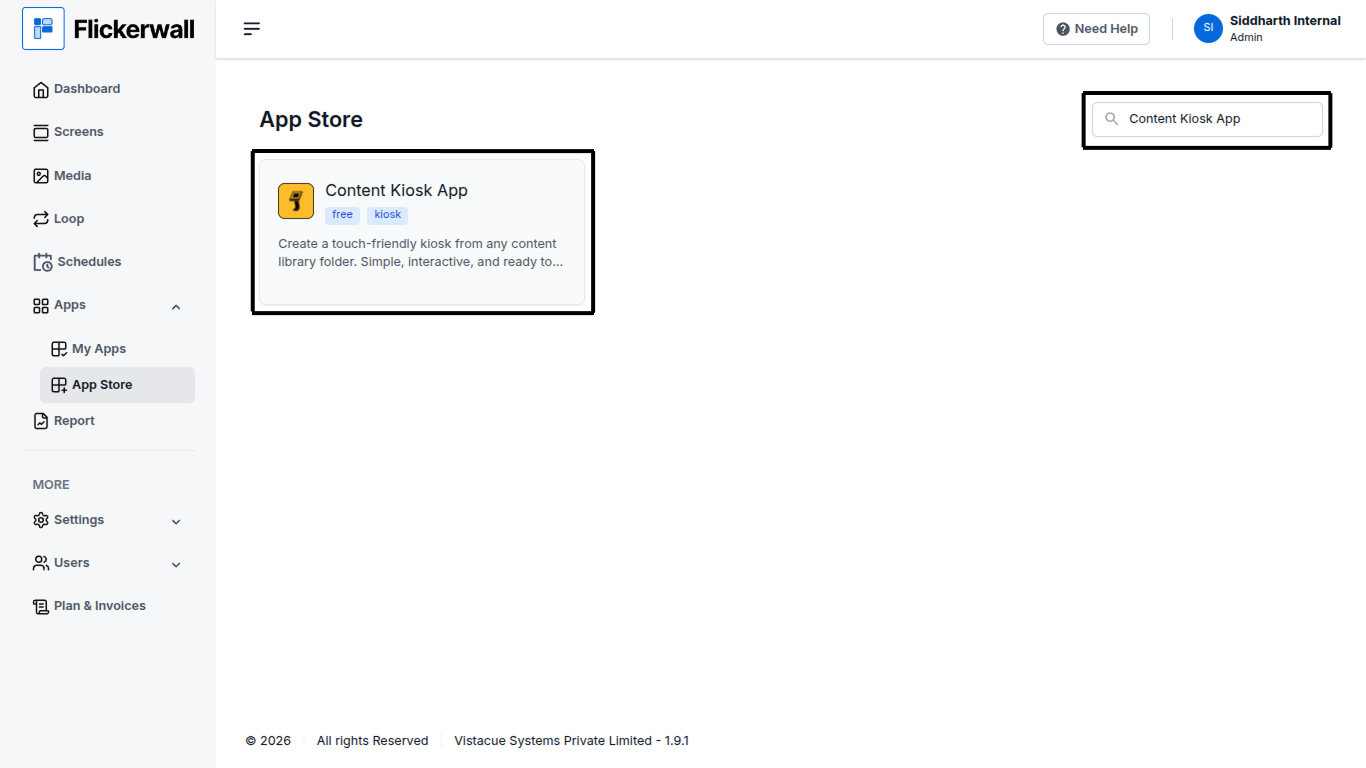
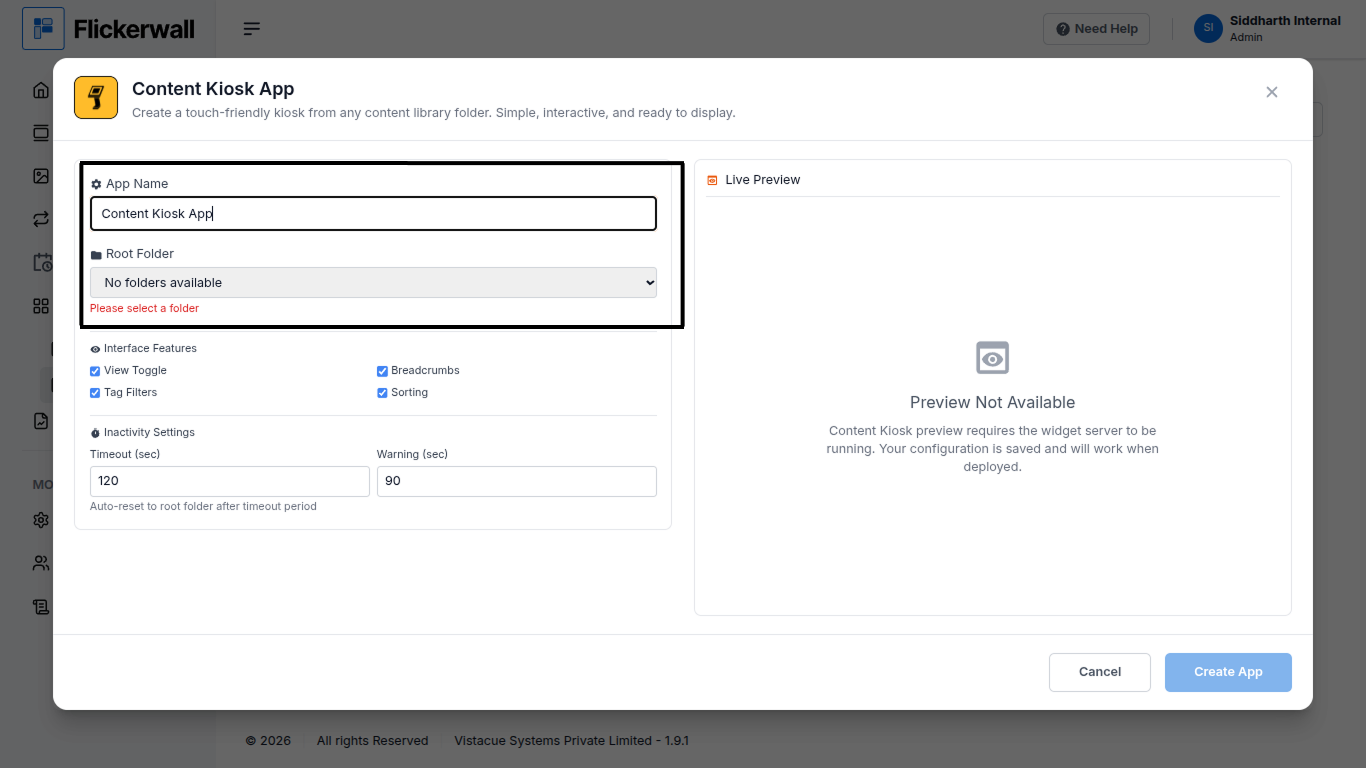
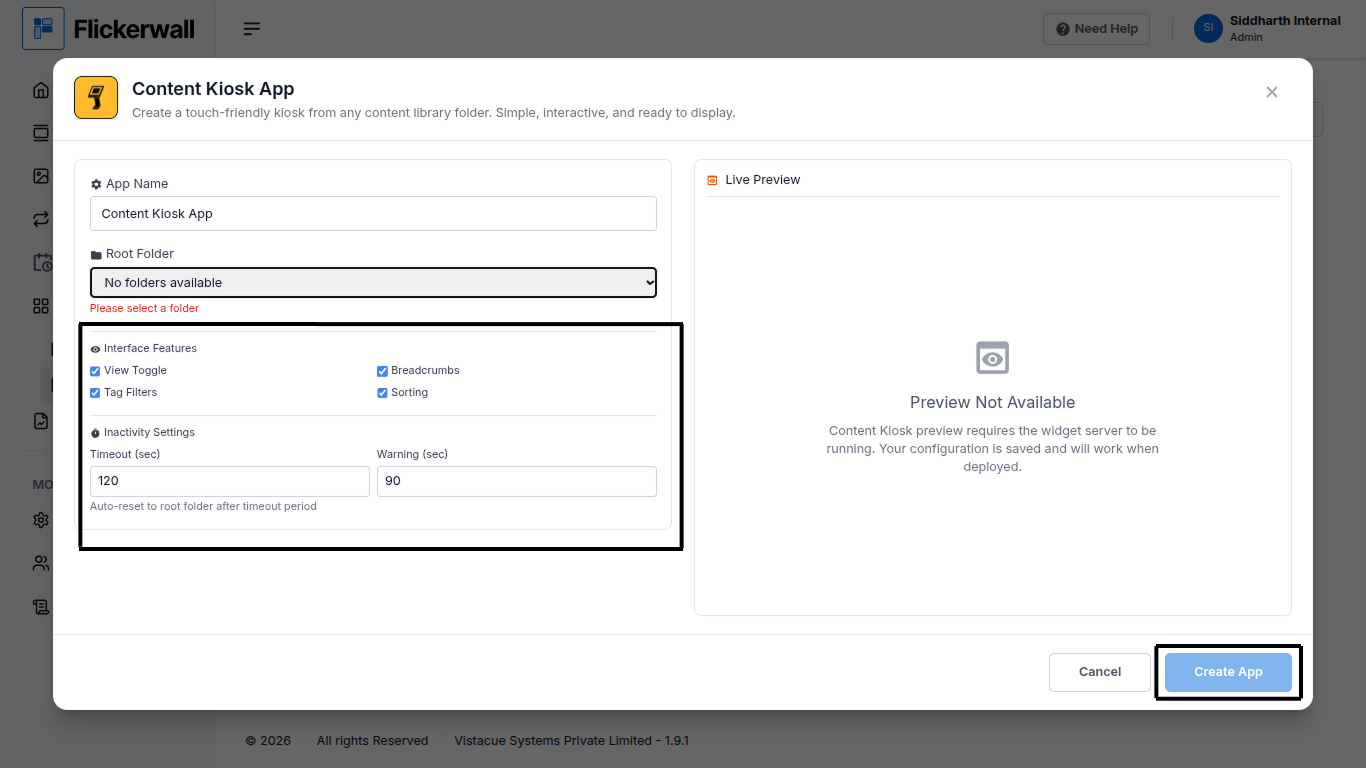
Step 1 Go to Apps and then App store! click on the apps and then Nevigate to App store in the appeared drawer Step 2 Go to Search Bar you can search the app you want Step 3 Search for Content Kiosk App Select and click on the desired app Step 4 Enter a Name for the App Enter a name for app so you can find it easy later Select Your Root Folder which will Apprear in the box (NOTE - If you can”t see any folder as such you may not have any Root folder) Step 5 View and edit the Interface features we provided and can add or remove them Select a Timeout Time Ones you’re done selecting your preferences click on Create App to complete the process Congratulations: you’ve now created the app you can use it through “My Apps” Tab