How to add and use the Business Standard app from Flickerwall store?
Step-by-step guide to add and use the Business Standard app from the Flickerwall store
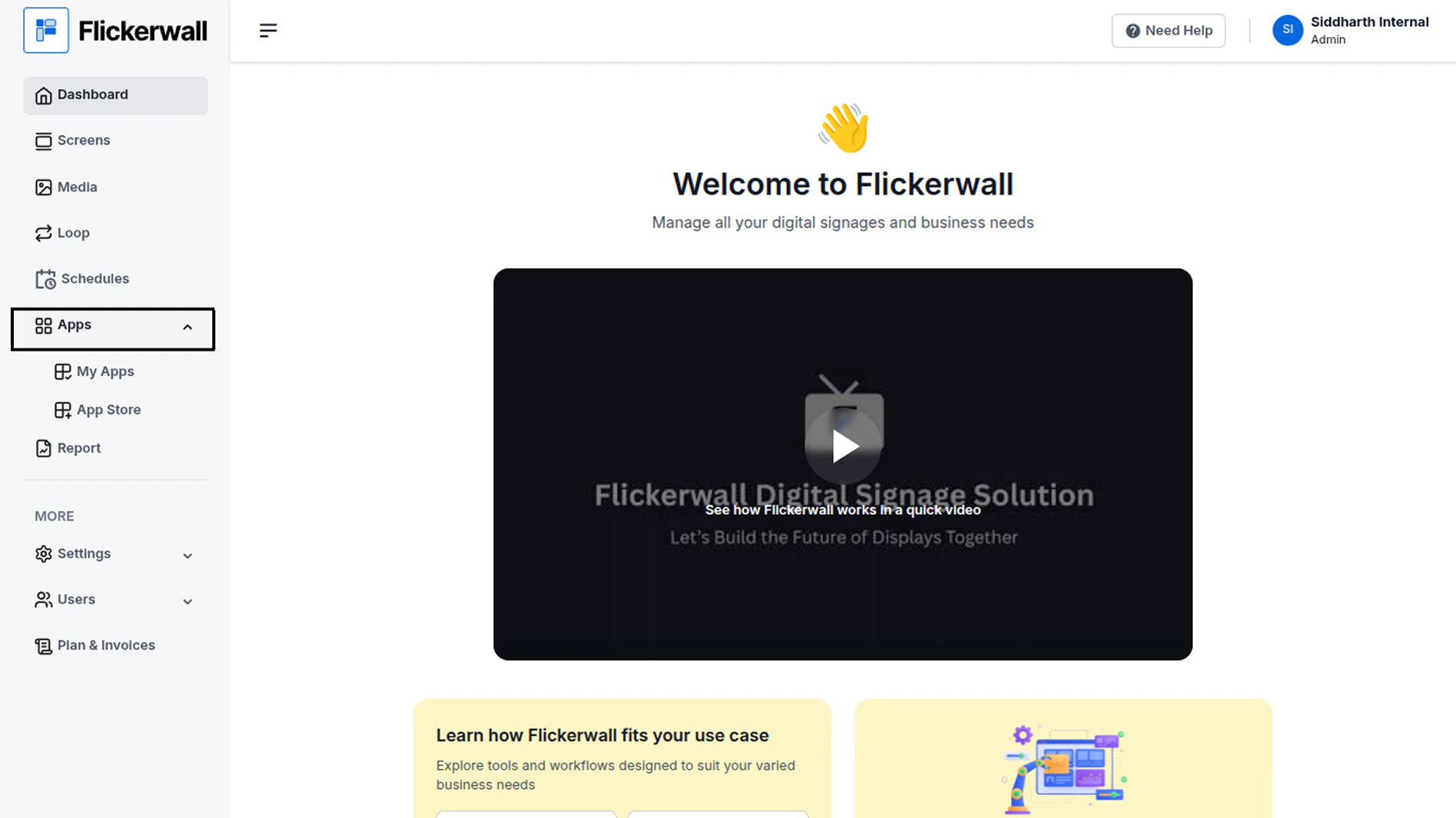
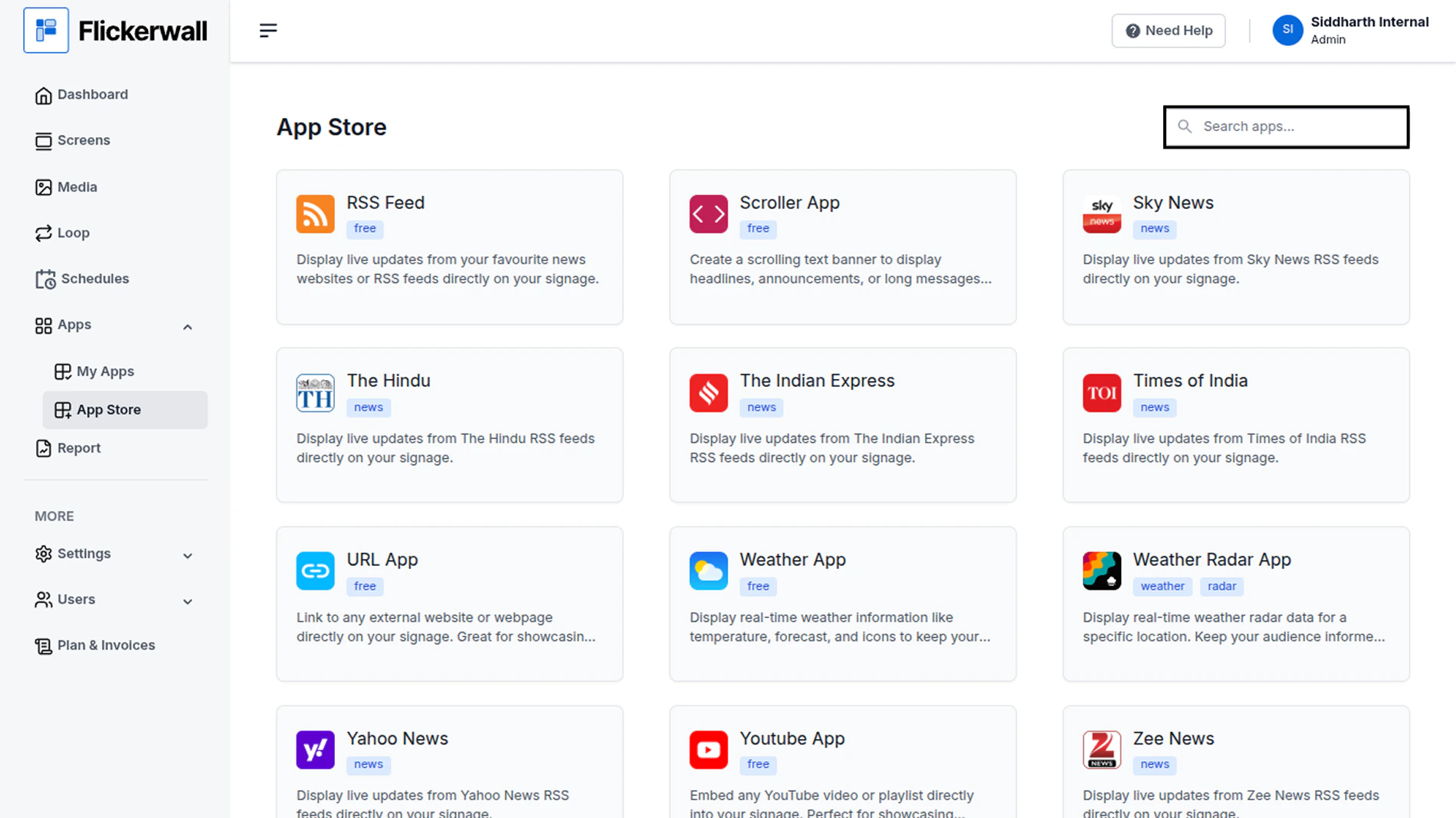
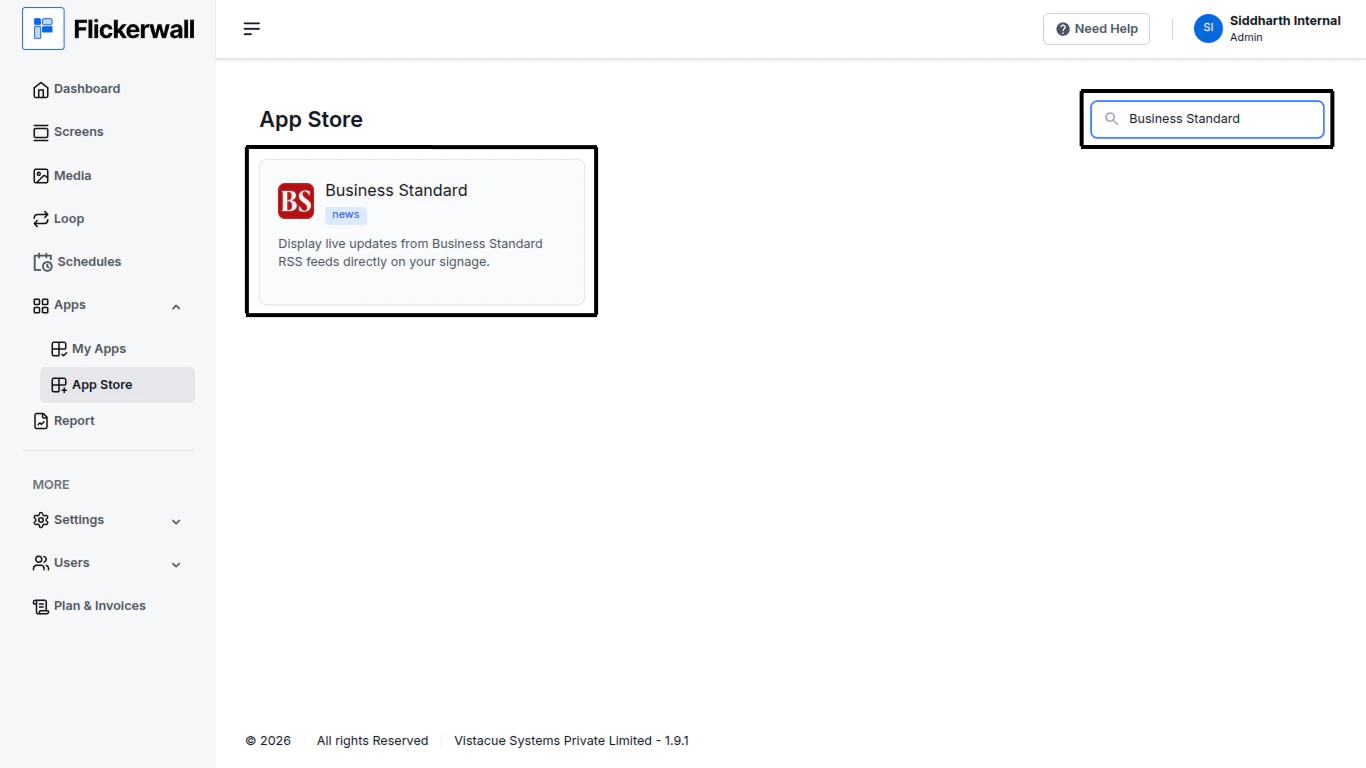
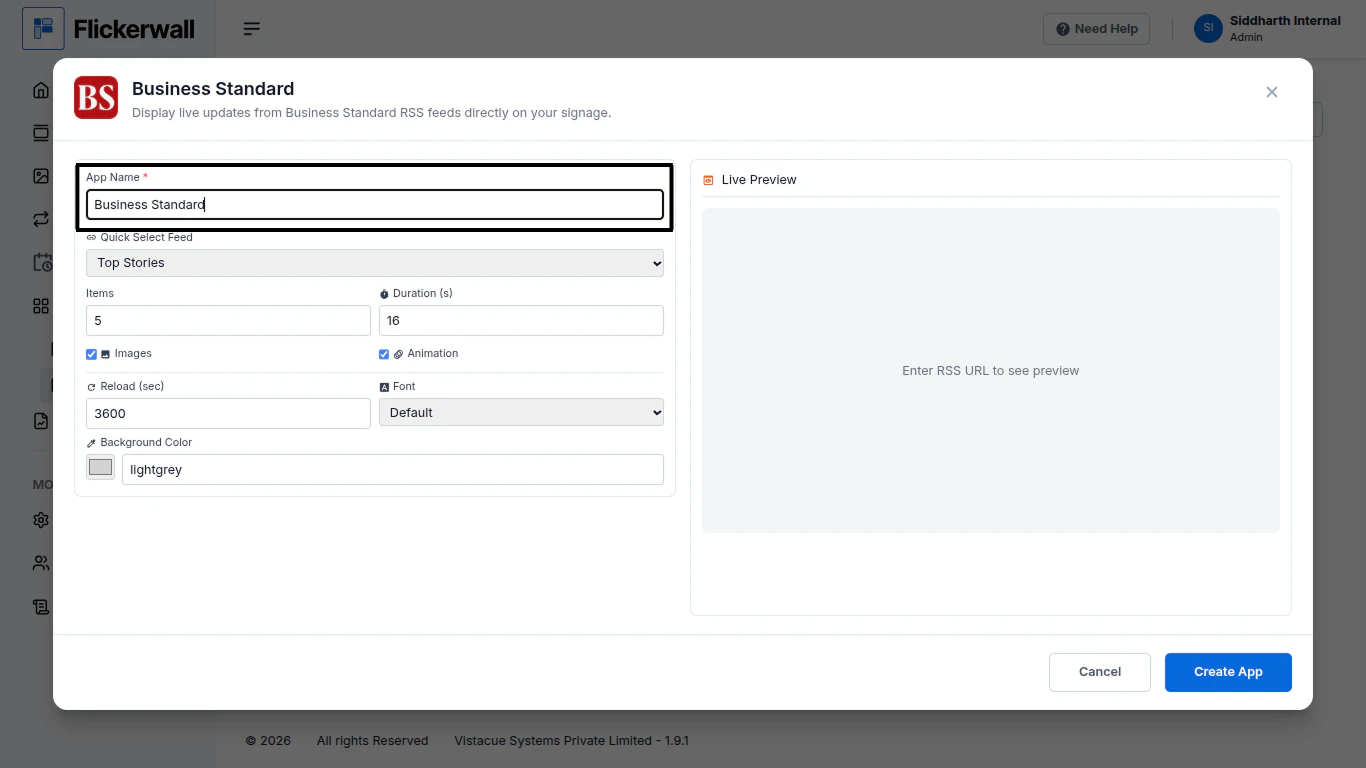
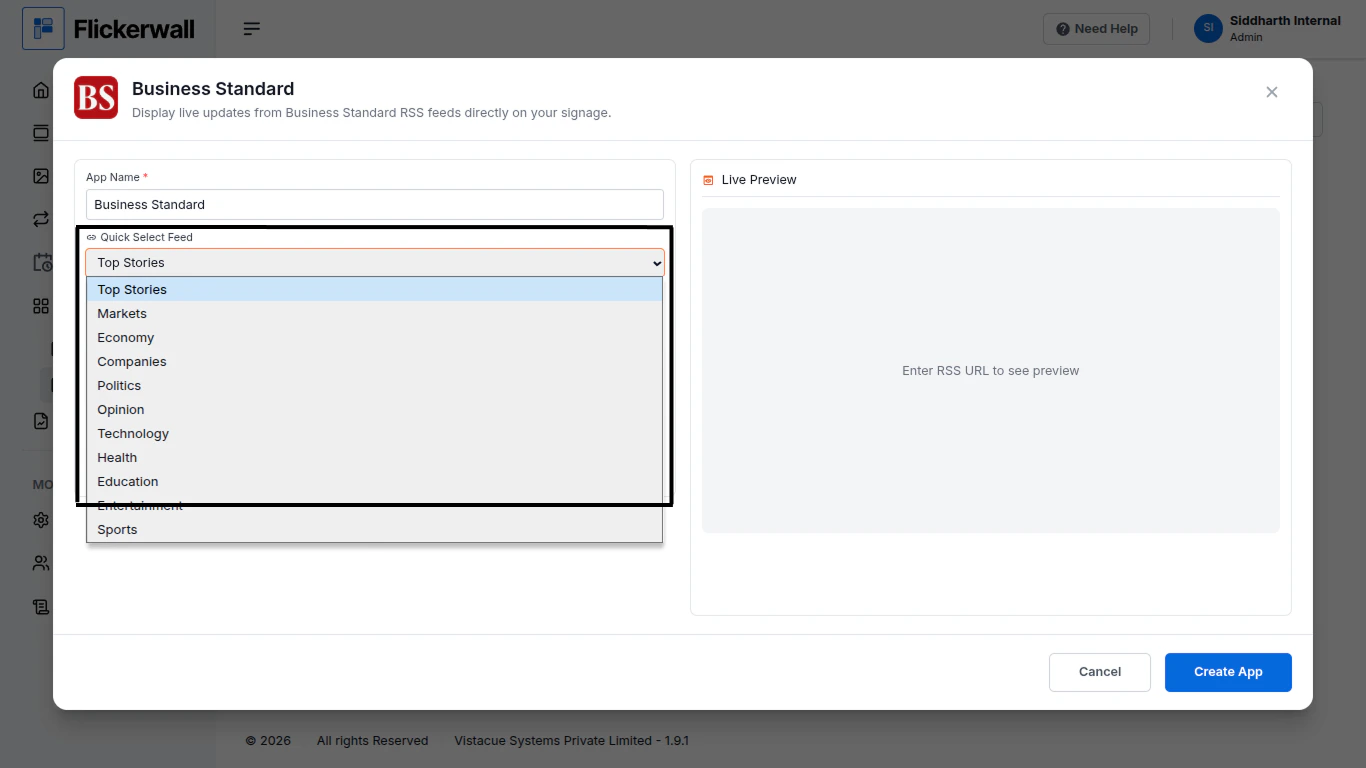
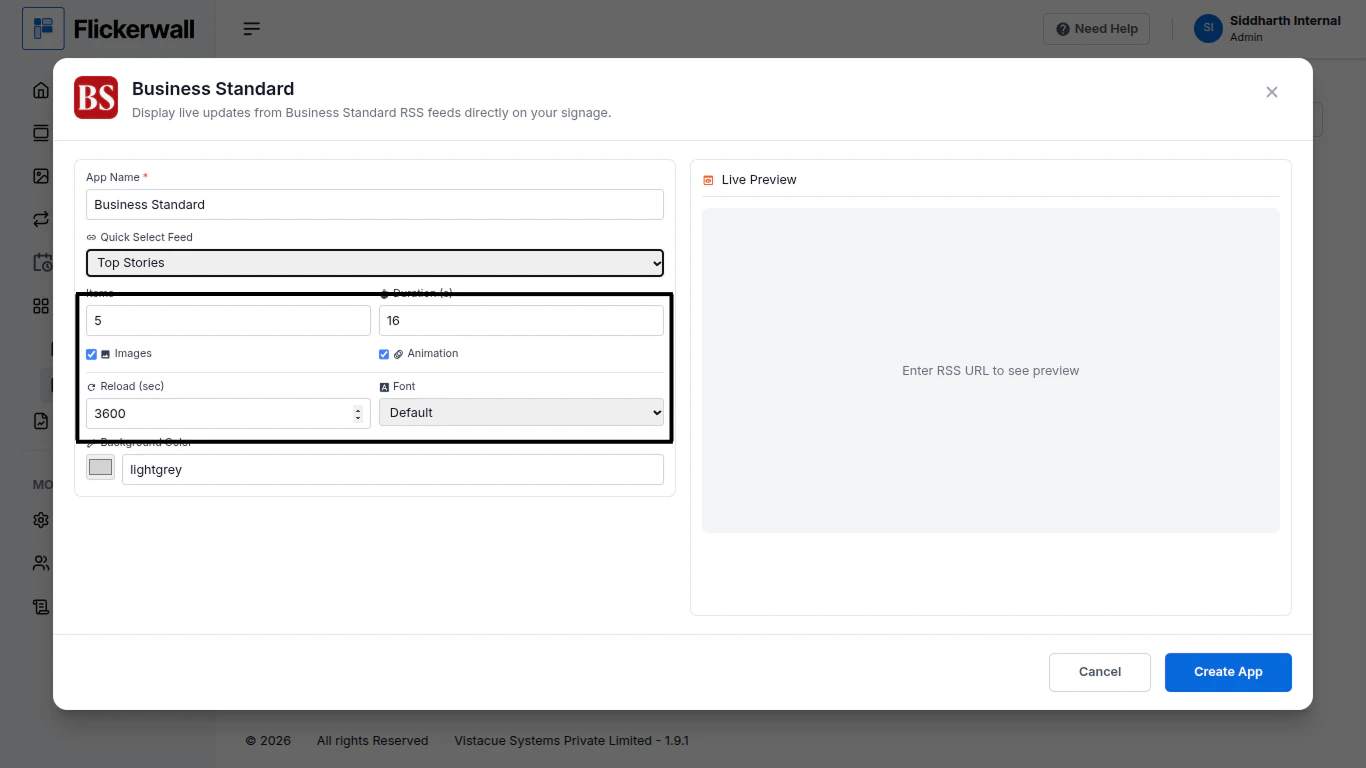
Step 1Go to Apps and then App store!click on the apps and then Nevigate to App store in the appeared drawerStep 2Go to Search Baryou can search the app you wantStep 3Search for Business Standard Select and click on the desired appStep 4Enter a Name for the AppEnter a name for app so you can find it easy laterStep 5Select a desired feed Topic for the AppSelect any topic that feels more valuable for you signageStep 6Select How many items you wanna display and DurationChoose if you want images and AnimationsLastly select reload time and desired FontStep 7Select the desired Background andClick Create AppCongratulations: You’ve learnt how to create an app for Flickerwall