> ## Documentation Index
> Fetch the complete documentation index at: https://docs.flickerwall.com/llms.txt
> Use this file to discover all available pages before exploring further.
# How to Change my Preferred Language ?
Learn how to change language for better usecase of the cms \\
Step 1 \
Go to the User profile and click on "profile"\
(Note: this language changes only happens for the profile logged in and not for all the other users if any added)
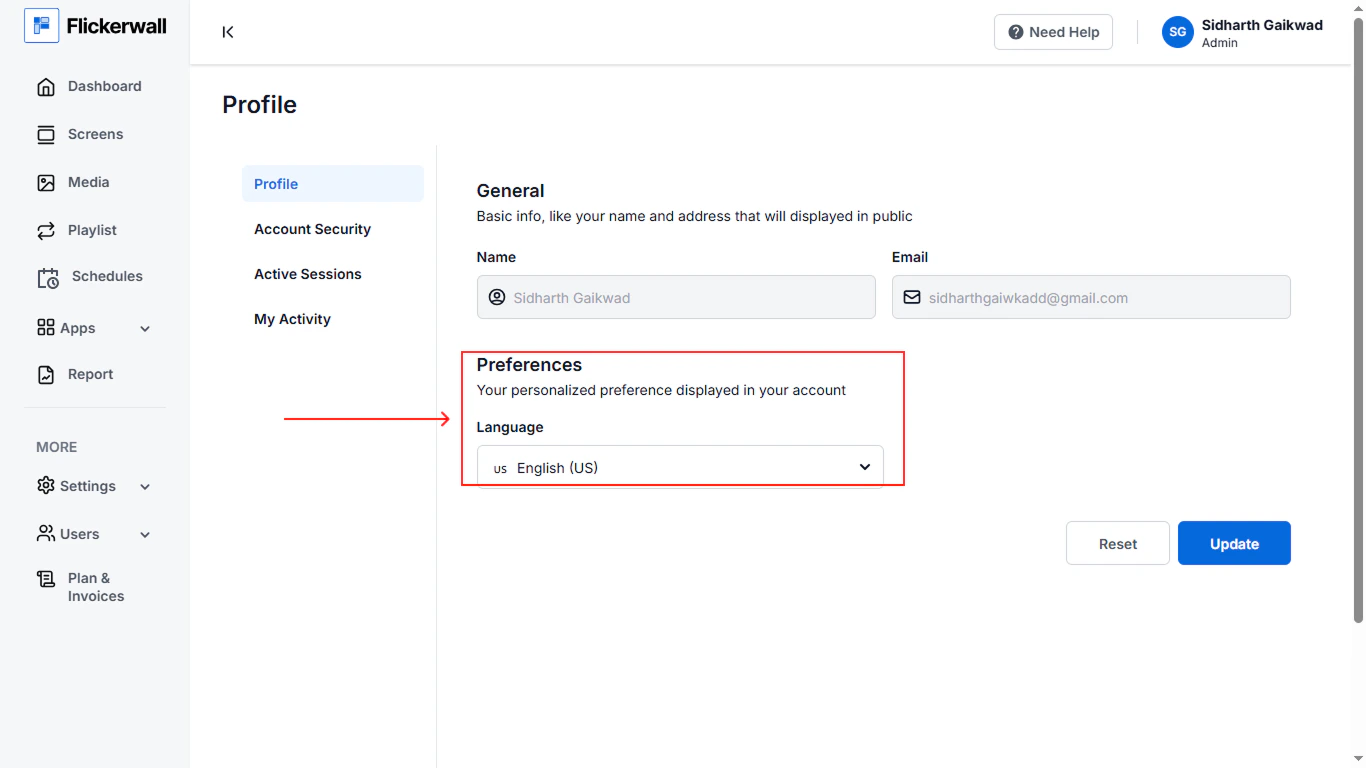
-1.png?fit=max&auto=format&n=QyHLB_DuGuIs1P_v&q=85&s=e9387a7e9d8c5365ce048acb20dc69e8) Step 2 \
Change language in your preffered language
Step 2 \
Change language in your preffered language