> ## Documentation Index
> Fetch the complete documentation index at: https://docs.flickerwall.com/llms.txt
> Use this file to discover all available pages before exploring further.
# What is User and their Roles and Permissions?
> Learn what is an User and what are User’s role and permission about? ---
Learn what is an User and what are User’s role and permission about?
***
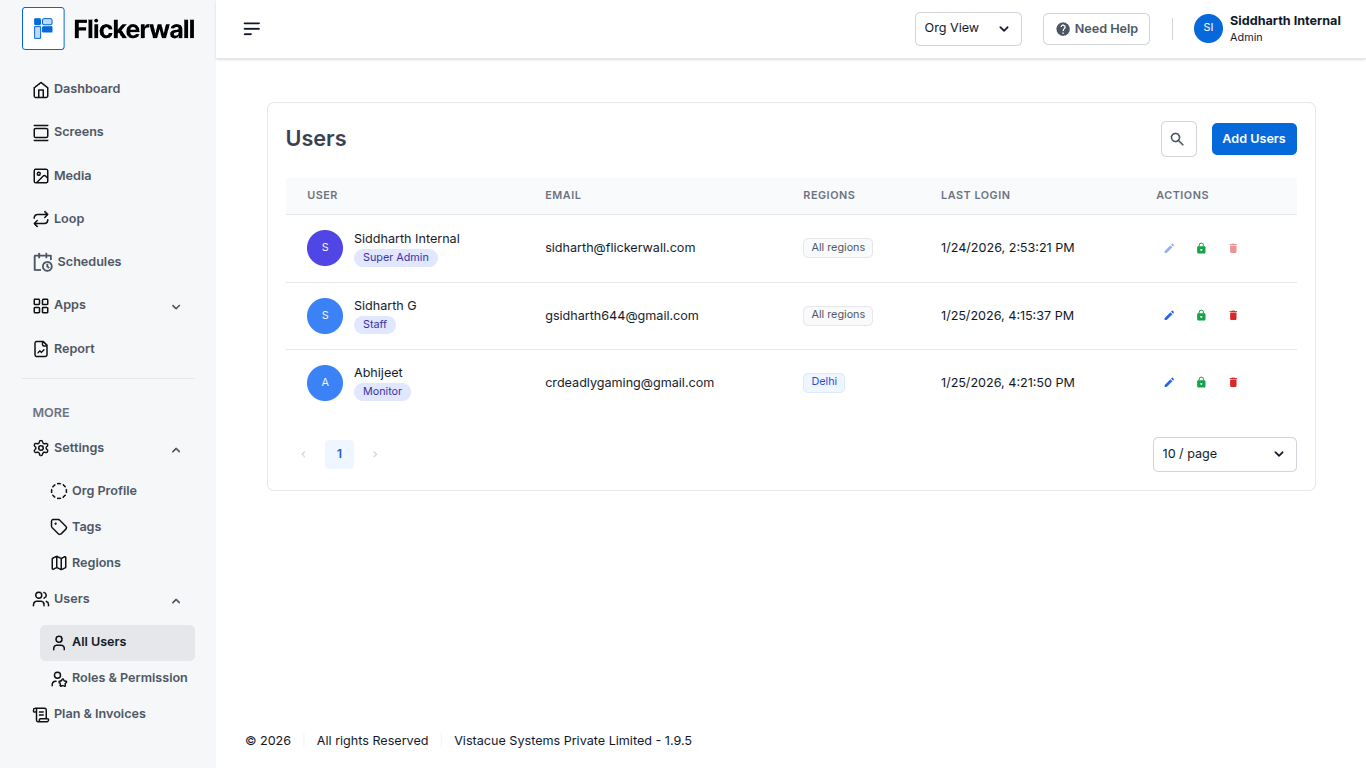
## What is a User?
A user is a **permission-bound member** of an organization. Unlike a standalone guest.
You can Add Users and assign them Screen Management Region wise or Add Users to Monitor the work
Totally depending on how and what is efficient for you and your Business Usage
 ***
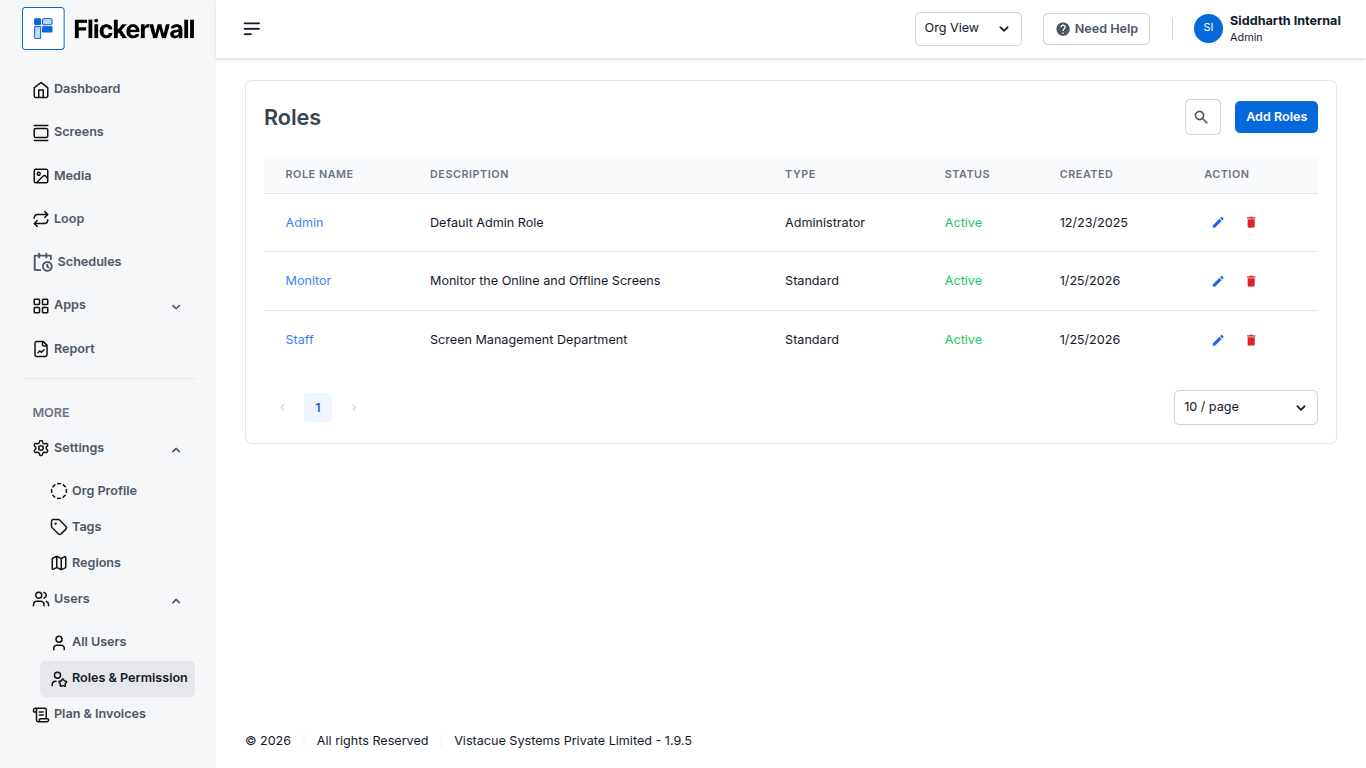
## What are Roles and Permissions for a User?
You can allow a User to have full access to your Dashboard and all aspects of You can put some restrictions on the Users to let them have access of some certain options only
Such as
* Can use Quick Play or Not
* Can Create a widget or Not
* Can Create a Media or Not
***
## What are Roles and Permissions for a User?
You can allow a User to have full access to your Dashboard and all aspects of You can put some restrictions on the Users to let them have access of some certain options only
Such as
* Can use Quick Play or Not
* Can Create a widget or Not
* Can Create a Media or Not
 ***
***