> ## Documentation Index
> Fetch the complete documentation index at: https://docs.flickerwall.com/llms.txt
> Use this file to discover all available pages before exploring further.
# How to add the Weather Radar App from Flickerwall store?
> Step by step guide to learn how to add the Weather Radar app from Flickerwall Store
***
Step 1
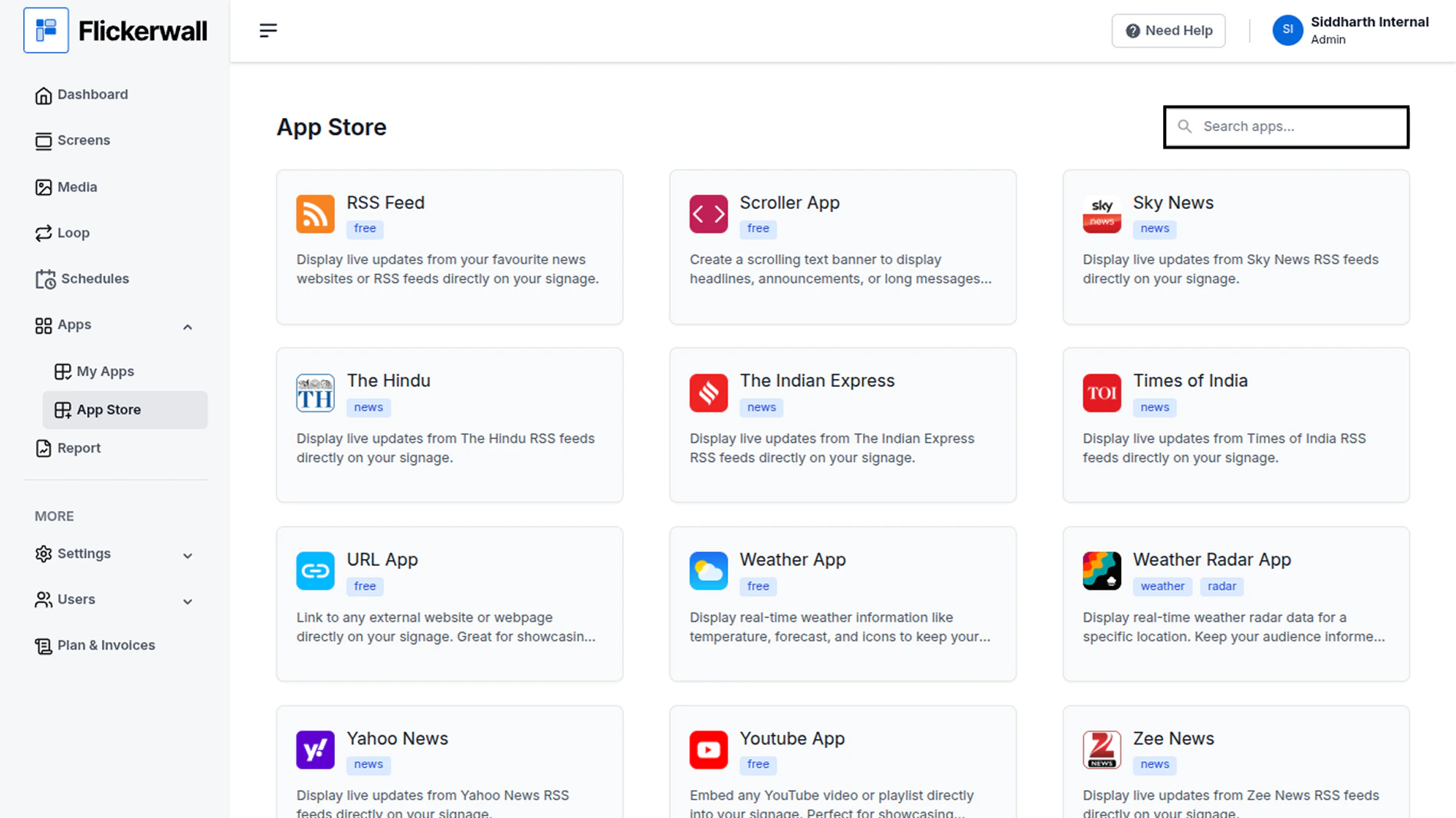
Go to Apps and then App store!
click on the apps and then Nevigate to App store in the appeared drawer
 Step 2
Go to Search Bar
you can search the app you want
Step 2
Go to Search Bar
you can search the app you want
 Step 3
Search for Weather Radar Select and click on the desired app
Step 4
Enter a Name for the App
Enter a name for app so you can find it easy later
Step 3
Search for Weather Radar Select and click on the desired app
Step 4
Enter a Name for the App
Enter a name for app so you can find it easy later